

Edtech AI Startup Website Design
TL;DR — Good edtech ai startup website design does three jobs at once. It explains an unfamiliar product in about ten seconds, it earns trust from the people who actually decide (school leaders, parents, teachers), and it pushes every visitor toward one clear next step, usually a demo or a free trial. Startups that struggle rarely have a bad product. They have a homepage that talks about their model instead of the classroom problem.
Picture a district administrator landing on your homepage during a ten-minute break. She does not care about your neural architecture. She cares about saving teachers time, student data safety, and whether anyone like her uses it. Edtech ai startup website design means answering those questions before she clicks away. New to the tooling side? Start with our roundup of the best AI tools. One more wrinkle. The browser, the user and the payer are often three different people.
What Makes Edtech Website Design Different From Regular SaaS
Plenty of SaaS design advice transfers to education, but a few things genuinely do not. The sales cycle is longer, the trust bar is higher, and the audiences are split.
An edtech site has to prove value to skeptical professionals who have seen a decade of shiny tools arrive with big promises and quietly disappear by October. Student data privacy is not a footnote here, it is a gate. Districts ask about FERPA and COPPA before features, and if your site buries the answers, buyers will just pick the competitor who stated it plainly.
Which Pages and Sections Does an Edtech Startup Site Need
You do not need thirty pages. You need the right eight or nine, each doing a specific job.
| Page or section | Purpose | What to include |
|---|---|---|
| Homepage hero | State the offer in seconds | Value claim, audience named, single CTA, product visual |
| Problem and solution | Show you understand the classroom | The pain in the reader’s words, then your answer to it |
| Product tour page | Let visitors see the software | Screenshots, short clips, features tied to outcomes |
| Audience pages | Speak to each buyer type | Separate pages for districts, teachers and parents |
| Demo page | Convert interest into a booked call | Two-minute video, short form, calendar booking |
| Pricing page | Remove cost uncertainty | Tiers, per-student terms, pilot option, FAQ |
| Trust and compliance page | Answer the safety questions | FERPA and COPPA statements, data handling, security |
| Results page | Provide proof | Named schools, measurable outcomes, real quotes |
| Blog and resources | Earn search traffic | Practical guides, templates, research summaries |
The homepage carries most of the weight. Run the hero first, then named schools, then the problem and solution, then feature blocks with real screenshots, then proof, a pricing teaser and a final call to action. Notice what is missing. No company history, no mission poetry. Visitors forgive a plain site, not a confusing one.

How Do You Build Trust With Schools, Parents and Students
Trust in edtech is oddly concrete. It comes from specific, checkable details rather than warm adjectives.
Start with names. “Trusted by schools nationwide” means nothing. “Used by 340 teachers across 12 districts in Ohio” means something, because a buyer can picture verifying it. A testimonial quote with a full name, role and school attached beats a glowing paragraph from “a happy educator” every time.
Then make the safety story impossible to miss. Put a short privacy summary on its own page, link it from the footer and the pricing page, and write it in language a parent can follow. Student data is never sold, here is how it is stored, here is how a district gets it deleted. Short sentences. No legal fog. Smaller signals add up too, a real contact address, an accessibility statement, and public pricing, because hidden pricing reads as “expensive” to a school manager on a fixed budget.
How Should You Present the Product Demo
The demo is where edtech sites win or lose. Your product does something clever with learning data, and nobody buys clever in the abstract.
Lead with a short video, two minutes at most, showing one real task completed start to finish. A teacher generating a differentiated quiz, say, or a student getting feedback on an essay draft. Real screens, real clicks, a voiceover about outcomes, not the interface. If your visuals budget is thin, the tools in our guide to free AI photo generators for site visuals can help mock up graphics, though real screenshots should carry the demo itself.
Offer two demo paths side by side. A recorded walkthrough for people researching at 10pm, and a live booking for people closer to a decision. Forcing everyone into a sales call scares off the early researchers, who are most of your traffic. An interactive sandbox helps even more if you can build one, a stripped-down product with sample data that lets a teacher feel the value in ninety seconds.
What Does a Good Edtech Pricing Page Look Like
Pricing in education has quirks that generic SaaS templates handle badly. Budgets run on school years, purchases often need board or grant approval, and every line has to be justified.
Structure the page around how schools actually buy. A free tier or pilot for a single classroom. A school plan priced per student or per teacher seat, stated openly. A district plan with the procurement extras, single sign-on, training, a signed data agreement. If you offer a free pilot, say so in the first screen.
Then answer the awkward questions on the page. Does the price change at renewal? Can we pay by purchase order? What happens to our data if we cancel? Every unanswered question becomes a reason to postpone, and postponed deals often wait a full budget cycle. Keep the layout plain, three tiers, middle one highlighted.
Why Mobile Experience Matters More Than You Think
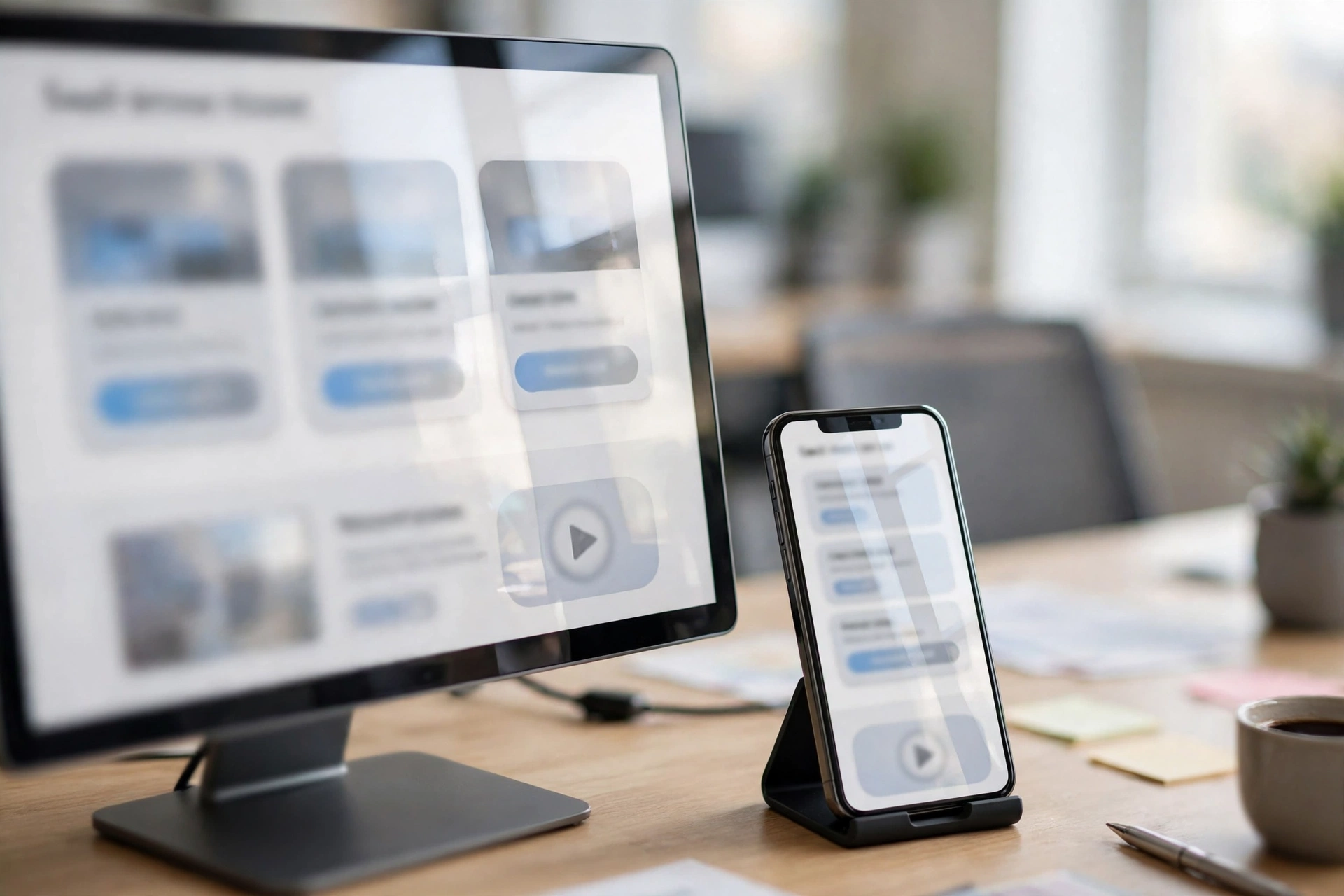
Founders design on a 27-inch monitor. Their visitors do not. Teachers browse on phones in hallways, parents click through from a message app at the kitchen table, and students arrive on whatever device the school issued them, often a modest Chromebook.
Treat mobile as the primary design, not the scaled-down afterthought. The hero claim and call to action must land without scrolling. Demo videos need captions, since plenty of people browse with the sound off. Forms should ask for the minimum, because a long form on a phone is where conversions quietly die. Test on a cheap Android phone.
Which Tools Should You Build the Site With
Most early-stage teams do fine with one design tool and one builder.
Figma is the standard tool for wireframes and prototypes, and its free tier is generous enough for a founding team. Design here first, because changing a layout in Figma costs minutes while changing it after launch costs days.
Webflow suits teams that want a polished marketing site without maintaining code. It produces clean, fast pages and handles CMS content like blog posts well.
Framer is the faster, lighter option, popular with startups that want pages live quickly. It imports Figma designs smoothly and covers most marketing pages a startup needs.
Whichever stack you pick, plan the unglamorous parts from day one. Analytics, fast load times on school networks, and a blog your team can update without a developer. Plenty of founders lean on an AI assistant for productivity for first drafts of those posts, so make publishing painless.
How Do You Build an Edtech Startup Website Step by Step
The sequence below works whether you are starting from zero or rescuing a site.
- Write the one-line promise first. Who it is for, what it does, what changes.
- Map the audiences. List what districts, teachers and parents each need to believe before they act.
- Sketch the homepage wireframe. Hero, proof, problem, product, results, pricing teaser, call to action.
- Design in Figma, starting with the homepage, demo, pricing and trust pages, since those decide conversions.
- Write the trust page early. It forces honest answers about data handling that marketing copy dodges.
- Build in Webflow or Framer, and connect the demo booking, analytics and blog.
- Add proof as you earn it. First pilot school, first result, first named testimonial, on the homepage fast.
- Test on real devices and slow connections, then launch quietly to a few friendly educators.
- Review the numbers monthly. Where visitors drop off is where your next redesign hour goes. Free AI agents can flag changes, but judgment calls stay with you.
Frequently Asked Questions
It is the process of planning and building a website for an education technology startup whose product uses artificial intelligence. It covers page structure, messaging, trust signals, demos and pricing, for buyers, users and payers who are often different people.
A lean site built by the founding team in Webflow or Framer can cost little more than the subscriptions and a domain. A freelancer typically runs into the low thousands, an agency build into five figures.
The homepage, the demo page and the pricing page, in that order. The homepage earns attention, the demo proves the product works, and pricing removes the last objection. District buyers also read the trust page before shortlisting.
Show outcomes on realistic sample data instead of walking through your full workflow. A two-minute video of one complete task proves value without a feature tour.
Named schools and districts, testimonials with real names and roles, clear FERPA and COPPA statements, a plain-language privacy page, and transparent pricing. Specific results help too, even small ones.
Yes, in almost every case. Schools plan around fixed budgets and grant cycles, and hidden pricing usually gets a product dropped from the shortlist early. If district deals vary, publish the classroom and school tiers and mark the district tier as custom.

Hamad Arshad
SEO Specialist | SEO Manager | GEO Strategist
7+ Years of Experience in SEO, GEO, AEO, AI SEO, Local SEO, Technical SEO, PPC, Google Ads & Meta Ads.





Leave a Reply