
Free AI Agents
TL;DR — Free AI agents are tools that plan and carry out multi-step tasks for you, and several solid platforms let you start without paying. Gumloop and AgentGPT run in your browser with free tiers, while n8n, CrewAI, Dify and Langflow are free to self-host with no usage caps. Free plans limit runs, credits or hosted features, so they work best for testing ideas and running small automations.
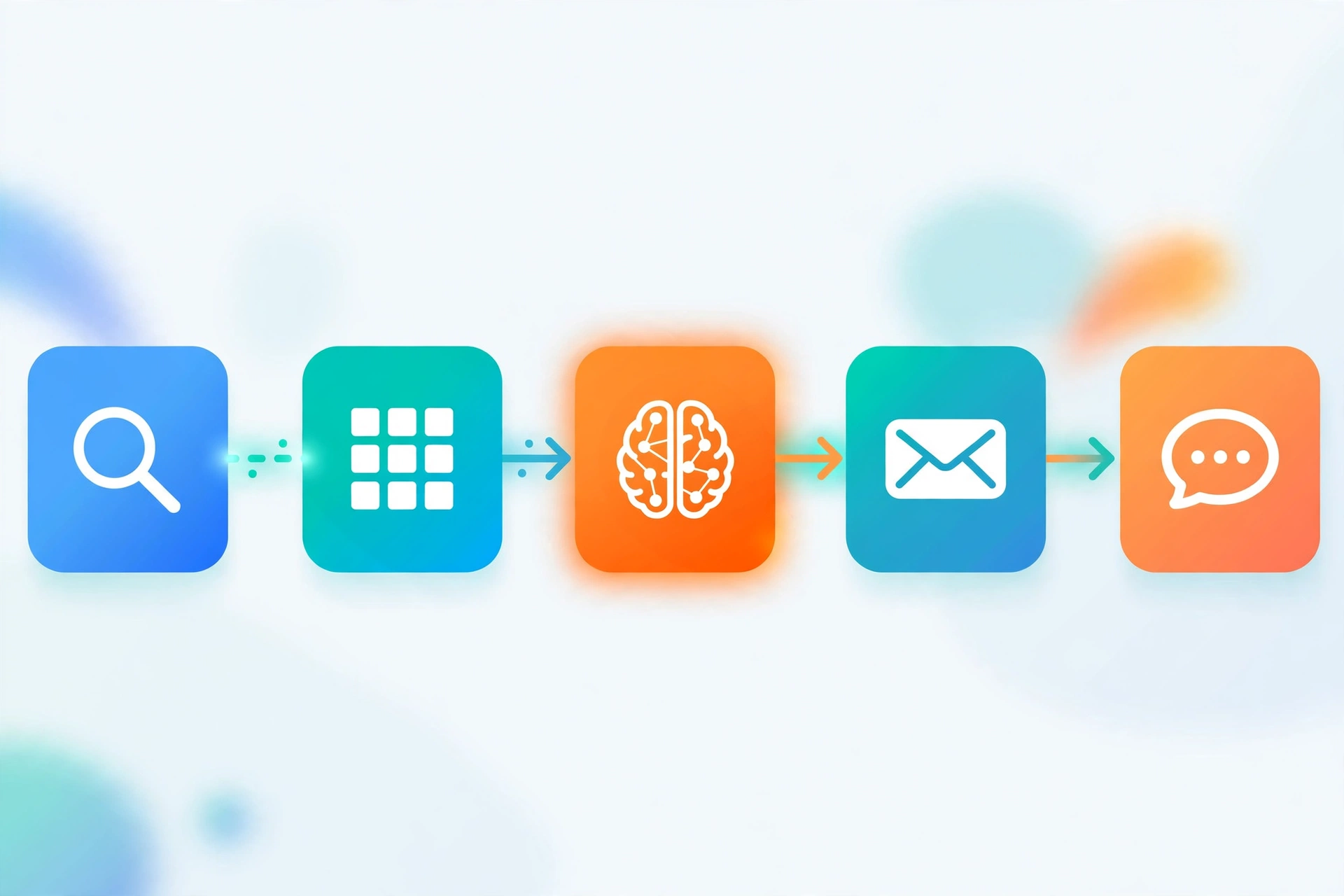
An AI agent goes a step beyond a chatbot. Instead of answering one prompt at a time, it takes a goal, breaks it into steps, uses tools like web search, spreadsheets and APIs, and works through the steps on its own. The good news is that free ai agents are now easy to try, because most leading platforms offer a free tier, an open source edition, or both. Under the hood, many of these tools run on an agent operating system that coordinates models, tools and memory, which is why they can handle workflows instead of single replies. This guide compares six platforms you can start with today and explains what each free tier really includes.
What Can Free AI Agents Actually Do?
Free AI agents can research topics, summarize web pages, draft and rewrite content, move data between apps, monitor websites for changes, and answer questions from your own documents. In practice, a free agent is most useful for repeatable digital chores that follow a clear pattern. People use them as an AI assistant for productivity tasks such as sorting leads, preparing meeting notes, or turning a list of links into a clean report. They are less reliable on open-ended jobs that need judgment, brand knowledge or access to private systems, so keep a human review step for anything important. After a little setup time connecting tools and writing a clear goal, the agent can repeat the workflow with minimal input.
Which Free AI Agents Are Worth Trying First?
Each platform below offers a genuinely usable free route, not just a short trial. If you want a broader shortlist beyond agents, our roundup of the best AI tools for everyday work covers chatbots, writers and image tools as well. Here is the quick comparison before the details.
| Tool | What it does | Free tier includes | Limits |
|---|---|---|---|
| Gumloop | Visual builder for AI-powered automations and web scraping flows | Free plan with starter credits, core nodes and templates | Monthly credit cap, some premium nodes need a paid plan |
| AgentGPT | Browser-based autonomous agents that pursue a goal step by step | Free hosted runs each day, no install needed | Limited free runs and loops, heavier use needs your own API key |
| n8n | Workflow automation platform with AI agent nodes and hundreds of integrations | Fully free when self-hosted, cloud plans start with a trial | Self-hosting means you manage setup and updates, cloud is paid after trial |
| CrewAI | Open source framework for building teams of role-based AI agents | Free open source framework for local projects | Requires Python coding, you pay your own model API costs |
| Dify | Visual platform for LLM apps, chatbots and agentic workflows | Free cloud sandbox tier, free self-hosted edition | Sandbox has message credit and app limits, own API keys needed |
| Langflow | Drag-and-drop visual builder for AI agents and retrieval pipelines | Free open source edition for self-hosting | Self-host setup required, own model API keys needed |
Gumloop
Gumloop is a no-code platform where you build agents as visual flows. You drag in blocks for AI models, web scraping, Google Sheets, Slack and dozens of other apps, then connect them into a workflow that runs on demand or on a schedule. The free plan gives you a starter allowance of credits plus access to the core building blocks and ready-made templates, which is enough to automate small jobs like enriching leads or summarizing articles from a feed. The main limit is the monthly credit cap, since every flow run spends credits, and a few premium nodes and higher run volumes sit behind paid plans.
AgentGPT
AgentGPT is one of the simplest free ai agents to try because it runs entirely in your browser. You give it a name and a goal, and it plans a sequence of steps, browses the web for information, and reports back as it works. The hosted version offers a limited number of free runs per day, which suits quick research tasks and demos. Free runs are capped in length, and serious use means either upgrading or self-hosting the open source version with your own model API key. It is a great first taste of autonomous agents, though results can wander without a tight goal.
n8n
n8n is a workflow automation platform that added strong AI agent features on top of hundreds of app integrations. Its agent node can reason over a task, call tools, and use chat or vector memory, all inside automations you design on a canvas. n8n is free to run on your own computer or server with no execution caps, which makes it the most generous option on this list for ongoing use. The tradeoff is responsibility, since you handle installation, updates and security yourself. The hosted cloud version is paid after a trial, so the free route is self-hosting.
CrewAI
CrewAI is an open source Python framework for building crews of agents, where each agent has a role, a goal and a backstory, and tasks pass between them like a small team. A researcher agent can gather facts, a writer agent can draft from them, and an editor agent can polish the result. The framework itself is completely free for local projects, and it works with many model providers. The limits are practical rather than artificial. You need to write code, and you pay for your own model usage through your API keys, so costs depend on the models you pick.
Dify
Dify is an open source platform for building LLM applications, chatbots and agentic workflows through a visual canvas. It includes prompt editing, document-based question answering, tool calling and workflow orchestration in one place. Its cloud version has a free sandbox tier with a starter pool of message credits and a small number of apps, which is enough to prototype an internal assistant or a support bot. The sandbox caps usage, and you bring your own model API keys for most setups. Self-hosting the community edition removes the platform limits if you outgrow the sandbox.
Langflow
Langflow is an open source visual builder for AI agents and retrieval pipelines. You assemble agents from drag-and-drop components for models, prompts, tools, vector stores and APIs, then test the flow in a built-in playground before deploying it as an API. It is free to self-host, and a managed cloud option exists for teams that prefer not to run servers. Like the other open source picks, the real limits are your own hosting effort and your model API bill rather than platform restrictions. It suits builders who want visual speed with the option to edit component code.
How to Start With Your First Free AI Agent
- Pick one small, repeatable task, such as summarizing five articles or cleaning a spreadsheet, instead of a vague goal like doing your marketing.
- Choose a platform that matches your skills. Browser tools like Gumloop and AgentGPT need no setup, and our guide to no-code AI agent builders for small business explains how these visual platforms compare.
- Connect only the apps the task needs, and use a test account or a copy of your data for the first runs.
- Write a precise goal with the input, the steps and the output format you expect, then run the agent and watch its step log.
- Review the result, tighten the instructions where it went wrong, and save the workflow so you can rerun it in one click.
Frequently Asked Questions
Yes, within limits. Hosted platforms give you a free allowance of credits or runs, and open source tools like n8n, CrewAI, Dify and Langflow cost nothing to download and run. You may still pay small model API charges on self-hosted setups, because the agents call paid language models behind the scenes unless you use a free local model.
AgentGPT is the fastest to try because it needs no installation, while Gumloop is better if you want a reusable visual workflow. Both are free ai agents that show results within minutes, so pick AgentGPT for one-off research goals and Gumloop for repeatable automations.
Most do not. The hosted free tiers in this guide let you sign up and run agents without card details, and the open source options never ask for payment information. A card is usually only requested when you upgrade to a paid plan or start a cloud trial.
Yes. AgentGPT browses as part of its core loop, Gumloop includes scraping and search blocks, and the framework tools can add search and browsing tools to any agent you build. Browsing quality varies, so ask the agent to cite its sources and double-check important facts.
The common limits are monthly credits, a small number of runs per day, shorter task loops, and restricted premium integrations. Free tiers suit evaluation and light use, so a workflow running hundreds of times a day will need a paid plan or self-hosting.
They are reasonably safe when you follow basic hygiene. Connect only the permissions a task needs, avoid feeding agents passwords or sensitive personal data, test with sample data first, and review outputs before anything is sent or published. Reputable platforms encrypt connections and let you revoke app access at any time.

Hamad Arshad
SEO Specialist | SEO Manager | GEO Strategist
7+ Years of Experience in SEO, GEO, AEO, AI SEO, Local SEO, Technical SEO, PPC, Google Ads & Meta Ads.