
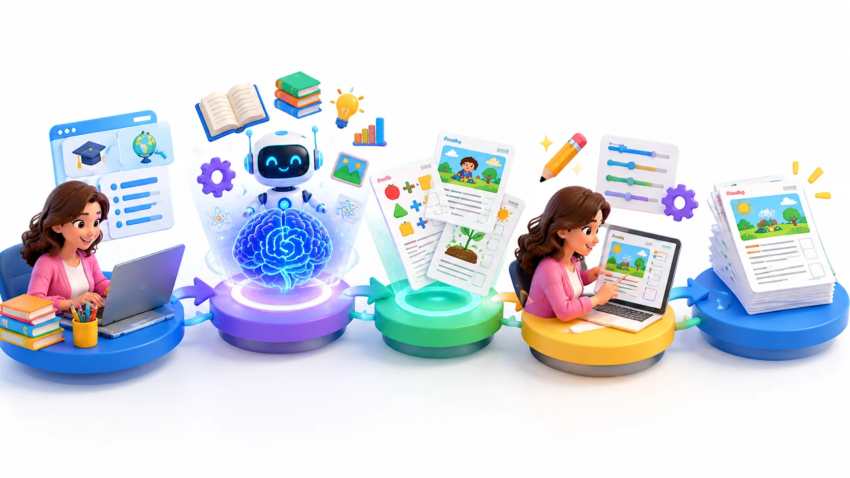
AI worksheet generator for elementary teacher
AI Worksheet Generator for Elementary Teacher Complete Guide to Creating Better Classroom Resources
Creating engaging worksheets is one of the most important tasks for elementary teachers, but it can also become time-consuming. Teachers often spend hours searching for ideas, writing questions, designing activities, and adjusting materials according to different student levels.
An AI worksheet generator for elementary teacher helps simplify this process by using artificial intelligence to create customized classroom worksheets based on subjects, grade levels, learning objectives, and student needs. Instead of starting from a blank page, teachers can use AI tools to generate ideas, practice exercises, quizzes, and learning activities within minutes.
However, AI should not replace a teacher’s experience. The best results come when educators use AI as a support tool, review the generated content, and adjust activities according to their classroom environment.
This guide explains how AI worksheet tools work, their benefits, practical uses, important features, common mistakes, and how elementary teachers can use them effectively.
Quick Answer: What Is an AI Worksheet Generator?
An AI worksheet generator is a digital tool that uses artificial intelligence to create educational worksheets automatically. Teachers can provide information such as grade level, subject, topic, and difficulty level, and the tool generates activities, questions, exercises, and sometimes answer keys.
These tools help educators reduce preparation time while creating more personalized learning materials for students.
What Is an AI Worksheet Generator and How Does It Work?
An AI worksheet generator is an educational technology tool designed to help teachers create classroom materials using artificial intelligence. Instead of manually writing every question and activity, teachers provide instructions, and the AI creates a starting point that can be edited and improved.
For example, a teacher preparing a third-grade science lesson about the water cycle can enter:
- Grade level: Grade 3
- Subject: Science
- Topic: Water cycle
- Activity type: Multiple-choice worksheet
- Difficulty: Beginner
The AI can then generate questions, explanations, and practice activities based on those requirements.
How Artificial Intelligence Creates Educational Worksheets
AI worksheet tools generally work through language models that analyze patterns in educational content. They can understand instructions, create text-based activities, and organize information into worksheet formats.
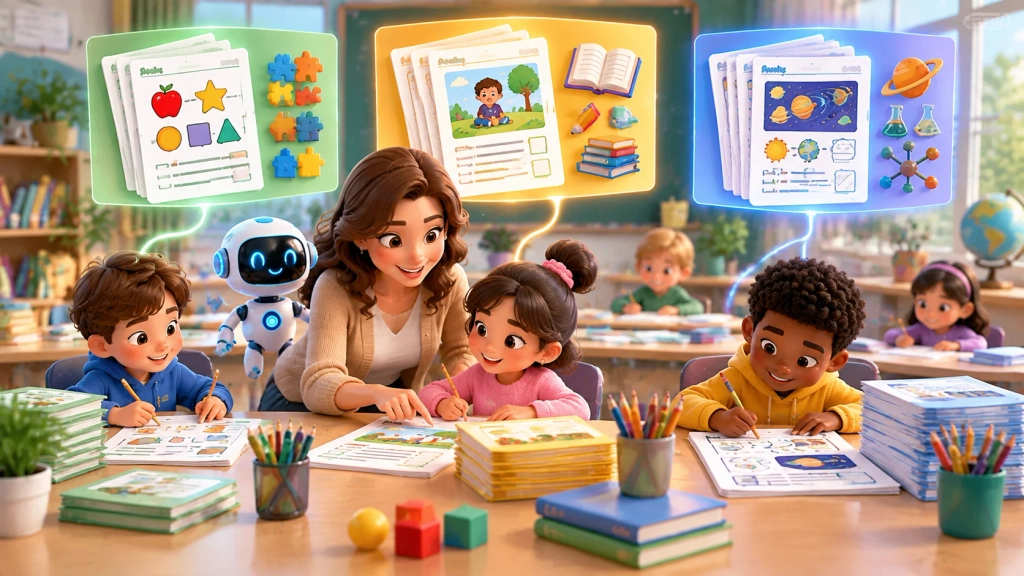
A typical process looks like this:
- Teacher enters a topic or learning goal.
- AI analyzes the instructions.
- The system generates questions, activities, or exercises.
- Teacher reviews and edits the content.
- The final worksheet is printed or shared digitally.
The quality of the worksheet depends heavily on the instructions provided. More specific prompts usually produce better results.
For example:
A weak instruction:
“Create a math worksheet.”
A better instruction:
“Create a Grade 4 multiplication worksheet with 20 questions, including word problems and an answer key.”
The second instruction gives the AI more context and produces a more useful resource.
Difference Between Traditional and AI-Generated Worksheets
Traditional worksheet creation usually requires teachers to:
- Search for ideas
- Write questions manually
- Create answer keys
- Format the document
- Adjust difficulty levels
AI-supported worksheet creation changes this workflow.
| Traditional Method | AI-Assisted Method |
| Requires more preparation time | Generates ideas quickly |
| Manual question creation | Automated question suggestions |
| Harder to create multiple versions | Easier customization |
| More formatting work | Faster worksheet structure |
However, AI-generated worksheets still require teacher review because educational quality depends on accuracy, relevance, and classroom suitability.
Why Teachers Are Using AI Tools to Create Classroom Worksheets
Elementary teachers manage many responsibilities beyond teaching. Lesson planning, grading, classroom management, and creating learning materials all require significant time.
AI tools can help reduce repetitive tasks and allow teachers to focus more on student interaction.
Save Preparation Time
One of the biggest advantages of AI worksheet tools is speed.
A teacher who normally spends an hour creating a worksheet may use AI to create an initial version within minutes.
This saved time can be used for:
- Planning classroom discussions
- Supporting struggling students
- Creating engaging activities
- Improving lesson delivery
AI does not remove the teacher’s role. Instead, it helps handle repetitive preparation work.
Create Personalized Learning Activities
Students learn at different speeds. Some students need additional practice, while others need more challenging activities.
AI can help teachers create different worksheet versions.
For example:
Beginner worksheet:
- Simple vocabulary questions
- Basic examples
- Guided practice
Advanced worksheet:
- Critical thinking questions
- Problem-solving activities
- Extended exercises
This makes it easier to support different learning levels inside the same classroom.
Support Different Student Learning Levels
A common challenge in elementary classrooms is creating activities suitable for every learner.
A single worksheet may be too difficult for some students and too easy for others.
AI tools allow teachers to modify:
- Reading level
- Question difficulty
- Number of exercises
- Activity format
- Learning style
Teachers can create materials that better match student abilities.
How to Create Effective Worksheets Using AI Step by Step
Using AI successfully requires more than simply asking for a worksheet. Teachers need a clear process to get useful results.
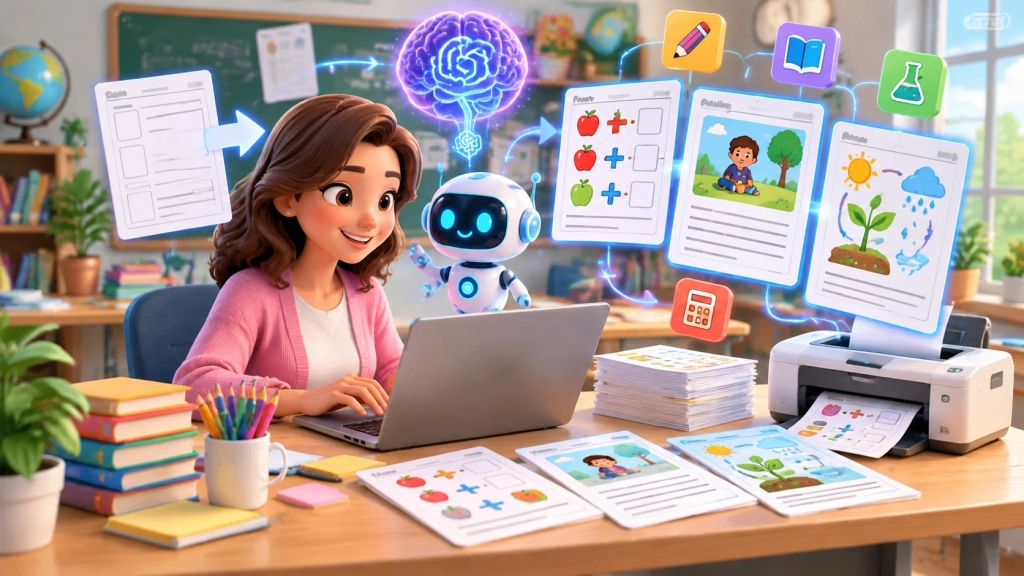
Step 1: Choose the Subject and Learning Objective
Before using any AI tool, define what students should learn.
Examples:
Math objective: “Students should understand fractions and compare different values.”
Reading objective: “Students should identify the main idea of a short story.”
Science objective: “Students should explain the stages of plant growth.”
A clear objective helps AI generate focused activities.
Step 2: Provide Grade-Level Instructions
Elementary students have different abilities depending on their age.
A worksheet for first-grade students should not have the same complexity as a worksheet for fifth-grade students.
Include details such as:
- Grade level
- Student age
- Reading ability
- Difficulty level
- Learning goal
Example:
“Create a Grade 2 reading comprehension worksheet using simple sentences and five questions.”
This creates more suitable material.
Step 3: Review and Customize Generated Content
AI-generated worksheets should always be reviewed before classroom use.
Teachers should check:
- Are answers correct?
- Is the difficulty appropriate?
- Are instructions clear?
- Does it match the lesson goal?
- Is the language suitable?
AI can generate helpful content, but teacher expertise ensures educational quality.
Step 4: Test the Worksheet Before Classroom Use
Before giving the worksheet to students, try completing it yourself.
This helps identify:
- Confusing questions
- Incorrect answers
- Missing information
- Difficulty problems
A quick review can significantly improve the final learning experience.
Features to Look for in an AI Worksheet Creation Tool
Not every AI education tool provides the same experience. Teachers should look for features that improve flexibility and classroom usefulness.
Grade-Level Customization
A useful tool should allow teachers to select:
- Grade level
- Subject
- Learning difficulty
- Student ability
This helps create age-appropriate activities.
Multiple Worksheet Formats
Different lessons require different activity types.
Useful formats include:
- Multiple-choice questions
- Fill-in-the-blanks
- Matching activities
- Short answers
- Vocabulary exercises
- Writing prompts
A variety of formats keeps students engaged.
Answer Key Generation
Creating answer keys manually takes additional time.
Many AI tools can generate answers along with worksheets, helping teachers prepare materials faster.
However, answers should always be checked before sharing.
Easy Editing Options
Teachers should be able to modify:
- Questions
- Instructions
- Examples
- Difficulty level
Editing flexibility is important because every classroom has different needs.
Practical Ways Elementary Teachers Can Use AI-Generated Worksheets
AI worksheets can support many subjects across elementary education.
Math Practice Activities
Teachers can create worksheets for:
- Addition and subtraction
- Multiplication
- Fractions
- Word problems
- Measurement
- Geometry
Example:
A Grade 3 teacher can create a multiplication worksheet with real-life examples involving shopping, counting objects, or measurements.
Reading and Writing Exercises
AI can help create:
- Reading comprehension passages
- Grammar exercises
- Story-based questions
- Writing prompts
For younger students, teachers can request simpler vocabulary and shorter sentences.
Science Learning Worksheets
Science subjects often benefit from activity-based learning.
Teachers can create worksheets about:
- Animals
- Plants
- Weather
- Human body systems
- Space
AI can generate questions, diagrams descriptions, and discussion activities.
Vocabulary and Grammar Activities
Language teachers can use AI to create:
- Word matching exercises
- Sentence completion activities
- Spelling practice
- Grammar quizzes
These resources can help students practice language skills regularly.
Common Mistakes Teachers Should Avoid When Using AI Worksheets
AI can be helpful, but using it incorrectly can reduce learning quality.
Using Generated Content Without Review
One common mistake is printing AI-generated worksheets immediately.
AI may sometimes create:
- Incorrect information
- Repeated questions
- Unclear explanations
Teacher review is always necessary.
Ignoring Student Learning Needs
A worksheet should match the students, not just the topic.
Teachers should consider:
- Student age
- Previous knowledge
- Learning challenges
- Classroom goals
A technically correct worksheet may still fail if it does not match student needs.
Creating Worksheets Without Clear Objectives
Random questions do not always create meaningful learning.
Every worksheet should have a purpose.
Ask:
“What skill should students improve after completing this activity?”
Are AI Worksheets Effective for Elementary Students?
AI worksheets can be effective when teachers use them as a support tool rather than a replacement for educational planning.
The effectiveness depends on:
- Content accuracy
- Teacher customization
- Student engagement
- Alignment with learning goals
AI works best when combined with teacher knowledge and classroom experience.
Teachers understand their students better than any automated system. AI simply helps reduce preparation effort and provide additional ideas.
Practical Example: Creating a Reading Worksheet With AI
Imagine a Grade 4 teacher preparing a reading activity.
The teacher provides:
“Create a Grade 4 reading comprehension worksheet about environmental protection. Include a short passage, five questions, vocabulary words, and an answer key.”
The AI can create a first draft.
The teacher then improves it by:
- Adding local examples
- Changing difficult words
- Adjusting question difficulty
- Connecting it with classroom discussions
The final worksheet becomes more relevant because human judgment improves the AI output.
Expert Tips for Getting Better Results From AI Worksheet Tools
Give Detailed Instructions
Specific prompts create better results.
Include:
- Topic
- Grade level
- Activity type
- Number of questions
- Difficulty level
Use AI for Ideas, Not Complete Replacement
Teachers should use AI as a creative assistant.
Good uses:
- Brainstorming activities
- Creating question ideas
- Generating practice exercises
Less effective use:
- Using AI content without checking it
Combine AI With Teaching Experience
The strongest worksheets combine:
AI efficiency + teacher knowledge
AI provides speed, while teachers provide understanding of student needs.
Frequently Asked Questions
An AI worksheet generator is a tool that uses artificial intelligence to create educational worksheets automatically based on teacher instructions, subjects, and student levels.
Yes. Many AI tools can create worksheets for different grades by adjusting vocabulary, difficulty, question types, and learning objectives.
AI can be used safely when teachers review content, protect student privacy, and use appropriate educational practices.
Yes. AI can generate math practice activities including equations, word problems, and exercises for different learning levels.
No. Most AI education tools are designed for beginners. Teachers mainly need to provide clear instructions and review the results.
Free tools can be useful for basic worksheet creation, but advanced features such as customization, templates, and editing options may require paid plans.
No. AI worksheets should support traditional teaching methods. Teachers should combine AI resources with their own knowledge and classroom strategies.
Teachers can improve worksheets by editing questions, adding real examples, adjusting difficulty, and ensuring the activities match learning goals
Final Takeaway
AI worksheet tools are changing how elementary teachers prepare classroom resources. They can reduce preparation time, support personalized learning, and help educators create more engaging activities.
The most effective approach is not to let AI replace teaching decisions. Instead, teachers can use AI as a practical assistant for generating ideas, creating drafts, and improving workflow.

Hamad Arshad
SEO Specialist | SEO Manager | GEO Strategist
7+ Years of Experience in SEO, GEO, AEO, AI SEO, Local SEO, Technical SEO, PPC, Google Ads & Meta Ads.








Leave a Reply