
Best AI Tools for Students 2026-27
Last semester I watched my cousin cry over a 12-page research paper at 1 AM, surrounded by seventeen browser tabs and a coffee cup she’d forgotten about hours ago. Two weeks later, she finished the same kind of assignment in about three hours, went to bed at a normal time, and still got a better grade than the first one. The difference wasn’t that she suddenly got smarter. She just figured out which AI tools were actually worth her time, and which ones were just hype.
That’s basically what this article is. Not a “top 10 tools you must download right now” list copied from somewhere else, but an honest rundown based on actually using this stuff for real coursework, projects, and the occasional 11:58 PM deadline panic.
Why This Even Matters Right Now
AI tools for students have gone through a weird growth spurt. A couple of years ago, “using AI for school” basically meant asking a chatbot to write your essay and hoping your professor didn’t notice. That approach was always risky, and honestly, it still is. Plagiarism detectors and AI-content detectors have gotten better, and more importantly, using AI that way doesn’t actually teach you anything.
What’s changed is that the good tools now help you think instead of think for you. They summarize a 90-slide lecture deck, turn messy handwritten notes into flashcards, explain a stats concept five different ways until one finally clicks, or catch the awkward sentence you didn’t realize was awkward. Used right, they save hours. Used lazily, they can quietly wreck your grades and your understanding of the material.
So let’s get into what’s actually worth using.
The Tools I’d Actually Recommend
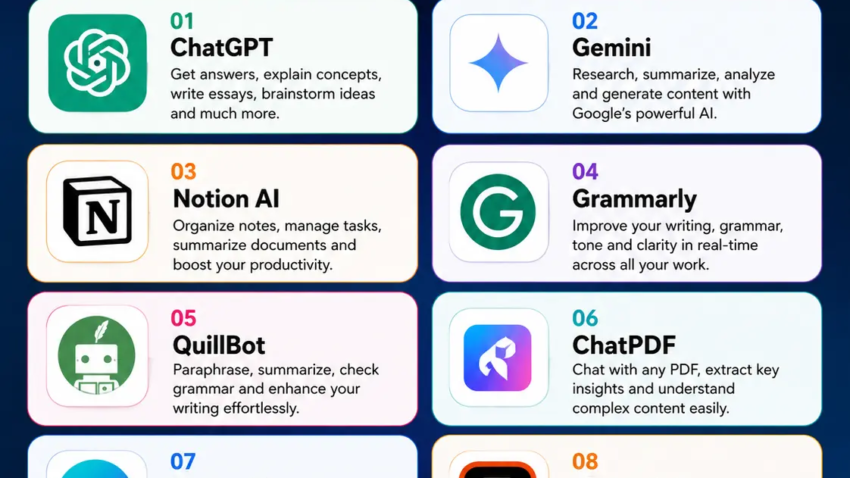
1. ChatGPT The All-Purpose Study Buddy
If you only use one AI tool, this is probably still the one. Not because it’s magic, but because it’s flexible. I’ve used it to break down dense economics readings, generate practice questions before an exam, and get feedback on essay structure before I even start writing.
The mistake I made early on was asking it vague questions like “explain photosynthesis” and accepting whatever I got. That’s lazy prompting, and you get lazy answers. What actually works is being specific: “Explain photosynthesis like I’m a first-year bio student who understands basic chemistry but keeps mixing up the light and dark reactions.” That one change made the explanations ten times more useful.
Good for: brainstorming, explaining tricky concepts, generating practice questions, first-pass outlines. Not great for: anything you need to submit word-for-word. Always rewrite in your own voice.
2. Google Gemini If Your Life Runs Through Google Docs
I switched a lot of my workflow to Gemini simply because I already live inside Gmail, Docs, and Drive. Having it built right into Docs means I don’t have to copy-paste between five tabs, which sounds small but saves a surprising amount of mental energy during a long study session.
A lot of universities now offer free or discounted access through a student email, so it’s worth checking your school’s IT page before paying for anything.
Good for: students already using Google Workspace, quick edits inside documents, research inside Docs/Slides.
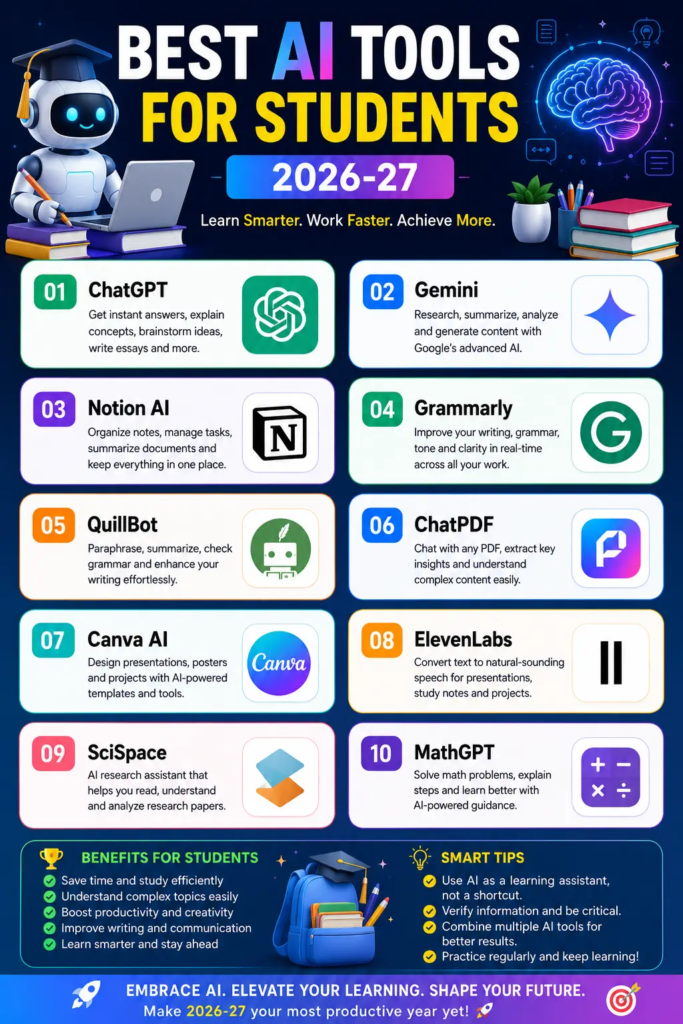
3. NotebookLM My Actual Favorite for Exam Prep
This one surprised me. You upload your own lecture notes, PDFs, or readings, and it only answers based on what you gave it — it doesn’t wander off and make things up from random internet sources. For a night-before-the-exam cram session, that’s huge, because you’re not getting generic textbook answers, you’re getting answers grounded in exactly what your professor covered.
Here’s a step-by-step version of how I actually use it before exams:
- Upload the lecture slides, plus any PDFs or readings assigned for that unit.
- Ask it to generate a summary of key themes across all the documents.
- Ask follow-up questions on the parts you’re shakiest on (“explain the difference between X and Y again, simpler”).
- Use its quiz or Q&A generation to test yourself instead of just re-reading notes.
That last step matters more than people think. Just reading a summary feels productive but doesn’t actually stick. Testing yourself does.
4. Grammarly Boring But Genuinely Useful
Nobody gets excited about a grammar checker, but I’d put this in my top three simply because of how often small errors quietly drag down grades on otherwise solid essays. The tone-detection feature is what I actually use most — it catches when an email to a professor sounds too casual, or when an essay paragraph sounds stiff and robotic.
One warning from experience: don’t accept every single suggestion blindly. I once let it “fix” a sentence in a philosophy paper and it flattened out a nuance I actually meant to include. Read the suggestion, understand why it’s suggesting it, then decide.
5. QuillBot For When You’re Stuck in Your Own Head
Paraphrasing tools get a bad reputation because people misuse them to dodge plagiarism checks, which is a genuinely bad idea and can backfire badly. But used properly, QuillBot is more like a thesaurus with context. When I’ve written a paragraph that technically says what I mean but reads clunky, running it through and comparing a few phrasing options helps me find better words faster than staring at the screen.
The rule I stick to: it should only touch sentences I already wrote myself. Never a whole essay generated from scratch.
6. Perplexity For Research That Needs Real Sources
Regular chatbots occasionally make up facts or citations that sound convincing but don’t actually exist. It’s happened to me — I once cited a “study” a chatbot referenced, only to find out later it wasn’t real. Embarrassing conversation with my professor. Perplexity is built around pulling from actual live sources and showing you where the information came from, which makes it much safer for research-heavy assignments where you need to double-check everything anyway.
Good for: literature reviews, fact-checking, finding sources you can actually cite.
7. Wolfram Alpha The One Everyone Forgets About
If you’re in a math, physics, or engineering-heavy course, this one is different from everything else on the list because it actually computes answers instead of guessing at them based on patterns in text. For step-by-step equation solving, unit conversions, or checking your work on a problem set, it’s more trustworthy than asking a general chatbot to “do the math,” which is honestly still hit or miss.
8. Notion AI or a Similar Planner Tool
This isn’t about content generation at all — it’s about not losing your mind during finals week. Having an AI assistant inside your notes and task app that can summarize a messy page of notes, or turn a brain-dump into an actual to-do list, has saved me more time than any single “write my essay” tool ever could.
Common Mistakes Students Make With AI Tools
Using one tool for everything. ChatGPT is not the best choice for math, and Grammarly is not the best choice for deep research. Matching the tool to the actual task matters more than picking “the best AI” overall.
Trusting the first answer without checking it. AI tools, even good ones, get things wrong. I’ve had confidently-written wrong answers slip past me because they sounded so sure of themselves. Always cross-check anything that’s going into a graded assignment.
Submitting AI output as your own without rewriting it. Beyond the academic integrity risk, this actually hurts you long-term because you skip the part where you learn to write and think for yourself. The tools work best as a first draft partner, not a final answer machine.
Cramming with AI three days before an exam and expecting a miracle. AI tools are excellent at organizing and explaining information you engage with over time. They’re much weaker at replacing weeks of missed studying in 48 hours. Start early, even if “early” just means a week instead of a night.
Where I’d Actually Start
If you’re overwhelmed by the list, here’s the simple version. Start with ChatGPT or Gemini for everyday explaining and brainstorming, add NotebookLM once you’re prepping for an exam with a lot of reading material, and bring in Grammarly for anything you’re submitting. Add Perplexity or Wolfram Alpha only when your coursework specifically needs research sourcing or heavy computation.
You don’t need ten apps open at once. You need two or three that actually fit how you study, used consistently, instead of a dozen downloaded once and forgotten. That’s really the whole trick not finding the “best” AI tool, but finding the one that fits the specific mess you’re currently in.

Hamad Arshad
SEO Specialist | SEO Manager | GEO Strategist
7+ Years of Experience in SEO, GEO, AEO, AI SEO, Local SEO, Technical SEO, PPC, Google Ads & Meta Ads.







Leave a Reply