
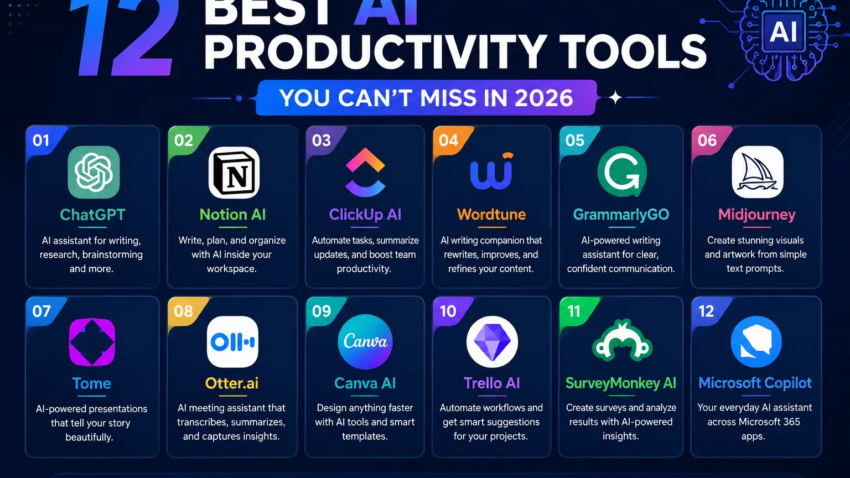
12 Best AI Productivity Tools You Can’t Miss in 2026-27
I almost missed a client deadline in February because I spent forty-five minutes formatting a meeting summary that an AI tool could have written in ten seconds. That was the moment I stopped treating “AI productivity tools” as a buzzword and started actually building a stack around them.
Since then I’ve paid for, cancelled, re-subscribed to, and quietly abandoned more apps than I care to admit. Some were genuinely life-changing. Others were just ChatGPT wearing a different hat and a $29/month price tag. This list is the stuff that survived the cut tools I still open every week, not tools I tried once for a screenshot.
If you’re tired of scrolling through “best AI tools” roundups that read like they were written by someone who’s never actually sent an invoice or sat through a client call, this one’s for you.
Why most “AI tool lists” don’t help you
Before the list, a quick confession. My first attempt at building an AI stack was a mess. I signed up for eight tools in one week because a YouTuber told me to. I never opened half of them again. The lesson: adopt one tool, actually use it for two weeks, and only then decide if it earns a spot in your workflow. A tool you use 20% better beats three new tools you barely touch.
With that out of the way, here’s what’s actually on my active list in 2026, grouped by the problem each one solves.
1. Claude (Anthropic) for writing, analysis, and actual thinking
I use Claude for anything that needs real reasoning: breaking down a contract, restructuring a messy report, or drafting something that needs a specific tone instead of generic AI-speak. What sold me was asking it to review a client proposal for logical gaps it caught two assumptions I’d missed entirely. It’s also solid for long documents where you need it to actually track context instead of losing the thread halfway through.
Best for: deep writing, document analysis, coding help Mistake I made: treating it like a search engine early on. It’s better used as a thinking partner give it context, not just a one-line question.
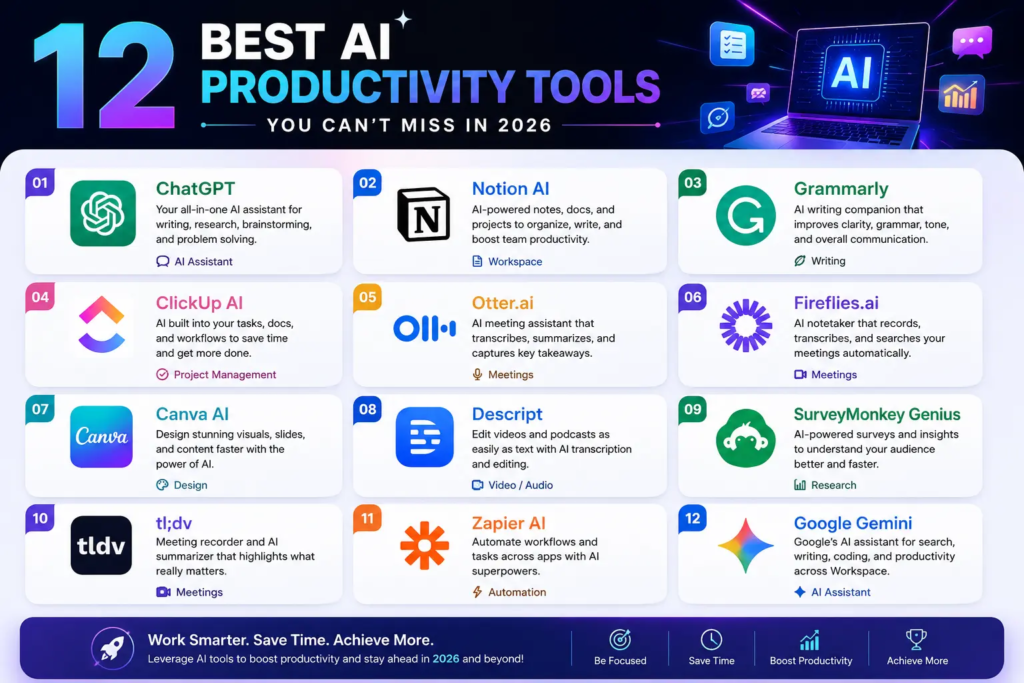
2. ChatGPT the generalist that does a bit of everything
I still keep ChatGPT around for quick brainstorming and casual back-and-forth. It’s flexible and fast for shallow tasks naming a project, rewriting a tweet, generating a quick outline. Where it struggles is depth; ask it to synthesize a long whitepaper and it sometimes blends in details that weren’t actually there. Good for speed, not for anything you’re about to publish without checking.
3. Perplexity my replacement for half my Google searches
Perplexity earned its spot because it actually shows sources instead of making me hunt for them afterward. When I’m researching a topic I know nothing about say, comparing two SaaS platforms for a client it pulls from dozens of sources and cites them inline. I still double-check anything numeric, but for getting oriented fast, it’s become my default over a plain search bar.
4. Notion AI for people whose second brain is already in Notion
If your notes, docs, and project trackers already live in Notion, the built-in AI is genuinely convenient summarizing a long meeting doc, turning bullet notes into a clean brief, or drafting a first pass of a project plan. It’s not going to out-write Claude, but it saves you from copy-pasting between five different tabs. I run my entire content calendar through it and haven’t touched the template in months, which is honestly the point stability beats novelty here.
5. Fireflies.ai the meeting notetaker that stopped my “wait, what did we agree on?” problem
I used to leave calls with a vague memory of what was decided and a page of half-legible notes. Fireflies joins the call, transcribes it, and hands me a searchable summary with action items pulled out automatically. The first time I used it, I searched the transcript for “budget” mid-week and found the exact sentence a client had used three days earlier. That alone justified the subscription.
Step-by-step to get value from it fast:
- Connect it to your calendar so it auto-joins calls.
- After each meeting, skim the auto-generated summary don’t just trust it blindly.
- Search past transcripts by keyword before you ask a client to repeat themselves.
6. Granola quieter meeting notes without an obvious bot in the room
Granola takes a different approach than Fireflies it works off your own rough notes plus the audio, rather than dropping an obvious “recording” bot into the call. I like it for smaller, more informal meetings where adding a visible AI notetaker feels awkward. It’s not as feature-heavy, but that’s kind of the appeal.
7. Motion for people who overbook themselves (guilty)
Motion takes your task list and calendar and actually rearranges your day around what’s urgent, protecting focus time automatically. I was skeptical I’d tried “smart calendars” before and they just added noise. Motion actually moved a low-priority task off my Tuesday when a client emergency came in, without me touching anything. It’s not cheap, and it only pays off if you commit to using it as your main scheduling system, not a side toy.
8. Zapier (with AI Copilot) the glue between everything else
This is the tool that makes the rest of your stack actually talk to each other. I use it to automatically drop new form submissions into a spreadsheet, ping me on Slack when a client replies, and summarize weekly form data without opening five apps. You can describe what you want in plain language now instead of manually wiring triggers, which cut my setup time from an afternoon to about fifteen minutes.
Common mistake: building overly complicated automations right away. Start with one simple “when this happens, do that” Zap before chaining five steps together.
9. Grammarly still underrated for tone, not just typos
People write this off as a spellchecker, but the tone-detection has saved me from sending emails that read as curt when I didn’t mean them to. It now suggests full rewrites for clarity, which is handy when you’re too close to your own writing to see the clunky sentence.
10. Canva Magic Studio for people who aren’t designers but need to look like one
I’m not a designer. Canva’s AI features let me turn a rough idea “make this look like a clean product one-pager” into something presentable in minutes instead of hours of dragging elements around. It won’t replace an actual designer for anything high-stakes, but for social posts, quick decks, and client-facing one-pagers, it’s more than enough.
11. Descript video and podcast editing that works like a text document
If you’ve ever edited audio or video by scrubbing through a timeline, Descript feels like a different world. You edit the transcript, and the audio/video updates to match delete a filler word from the text and it’s gone from the recording. I used this to clean up a rough podcast interview and cut editing time roughly in half.
12. Sunsama for the “I always overestimate what I can do in a day” problem
Sunsama forces you to actually look at your calendar before piling on more tasks. It nudges you toward a realistic daily plan instead of a wishful one. It has AI suggestions, but you stay in control, which matters if like me you don’t want a tool silently deciding your priorities for you.
Common mistakes people make with AI productivity tools
- Subscribing to everything at once. Pick one pain point (meetings, writing, scheduling) and fix that first.
- Trusting AI output without checking it. I’ve caught wrong dates, invented statistics, and misquoted sources more than once. Always verify anything that matters.
- Switching tools every time a new one launches. The tools industry thrives on this anxiety. A tool you know deeply beats five you’re mediocre at.
- Automating a broken process. If your workflow is inconsistent, adding AI on top just makes the mess move faster. Fix the process, then automate it.
How to actually pick your stack
Don’t start with the tool list. Start with your actual friction points this week. Where did you lose time? Chasing meeting notes? Formatting a doc? Rescheduling because your calendar was a disaster? Match one tool to that specific problem, use it for two weeks straight, and only then decide whether to add another.
I run a pretty lean stack these days: Claude for writing and thinking, Fireflies for meetings, Zapier to connect the small stuff, and Sunsama to keep my daily plan honest. That’s it. Everything else I’ve tried either got absorbed into one of these or quietly uninstalled.
If you take one thing from this go deep on two or three tools before you go wide on twelve. The productivity gain isn’t in the number of apps open on your desktop. It’s in how well you’ve learned to use the ones you already have.

Hamad Arshad
SEO Specialist | SEO Manager | GEO Strategist
7+ Years of Experience in SEO, GEO, AEO, AI SEO, Local SEO, Technical SEO, PPC, Google Ads & Meta Ads.







Leave a Reply