Free AI Ad Creative Generator for Instagram – 7 Best Tools
For watermark-free static ads, Canva‘s free Magic Studio tier and Microsoft Designer lead, with Adobe Express adding a free tier with monthly Firefly AI credits. For video, Creatify‘s free plan gives 10 monthly credits for AI video ads (watermarked), while Clipchamp exports polished 1080p videos with free AI captions and voiceovers and no watermark.
From Product Photo to Finished Instagram Ad – A 4-Step Workflow
You can go from a single product photo to a finished, correctly-sized Instagram ad in under an hour using only free AI tools. If you already use AI automation tools to run your store, this workflow slots right into that stack. The trick is using the right tool at each stage instead of forcing one app to do everything.
Step 1 – Prepare Your Product Photo
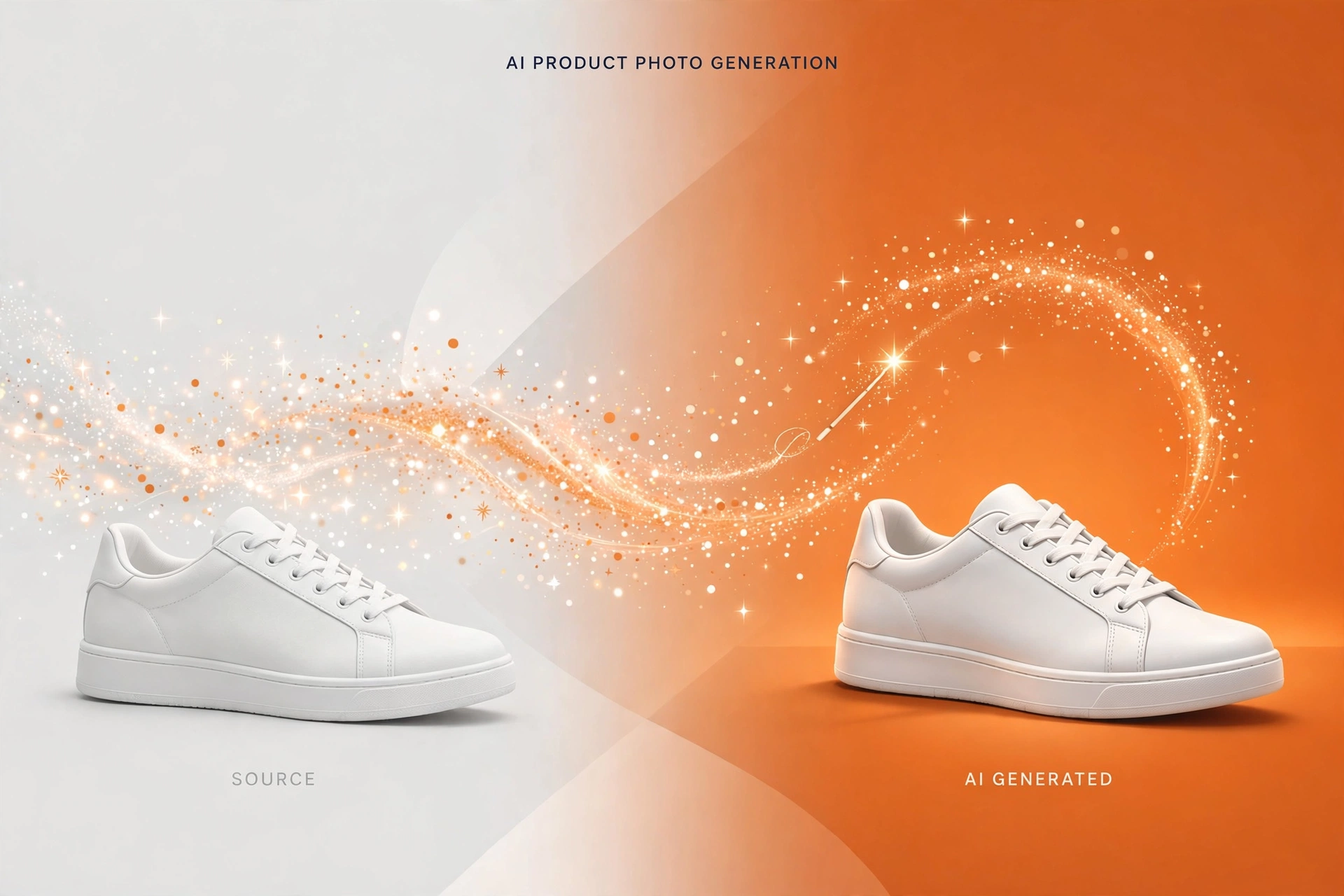
Shoot your product in daylight against a plain background, then use AI to turn it into a studio-style shot. Pippit (CapCut’s AI commerce agent) does this best – its Image Agent turns plain product photos into lifestyle scenes, and its free tier comes with daily credits and no card required. Microsoft Designer is another strong option – describe the scene in a text prompt and it generates design-ready visuals, free with a Microsoft account subject to a monthly AI credit quota.
Clean shots matter – retailers already rely on AI vision automation in retail to keep product imagery consistent.
Example output at this step – a plain sneaker photo regenerated as a dramatic studio product shot.
Step 2 – Generate Backgrounds and Variants
Winning advertisers test 3 to 5 creative variants, and AI makes that nearly free. Adobe Express is the standout – its free tier includes monthly Firefly generative credits with no watermark on exports, and Firefly models are positioned as commercially safe for paid campaigns. Generate the same product against several backgrounds and you have an instant A/B test set. Microsoft Designer also works well here thanks to its template library, which adapts layouts around your product shot.
Step 3 – Add Text, Branding and Captions
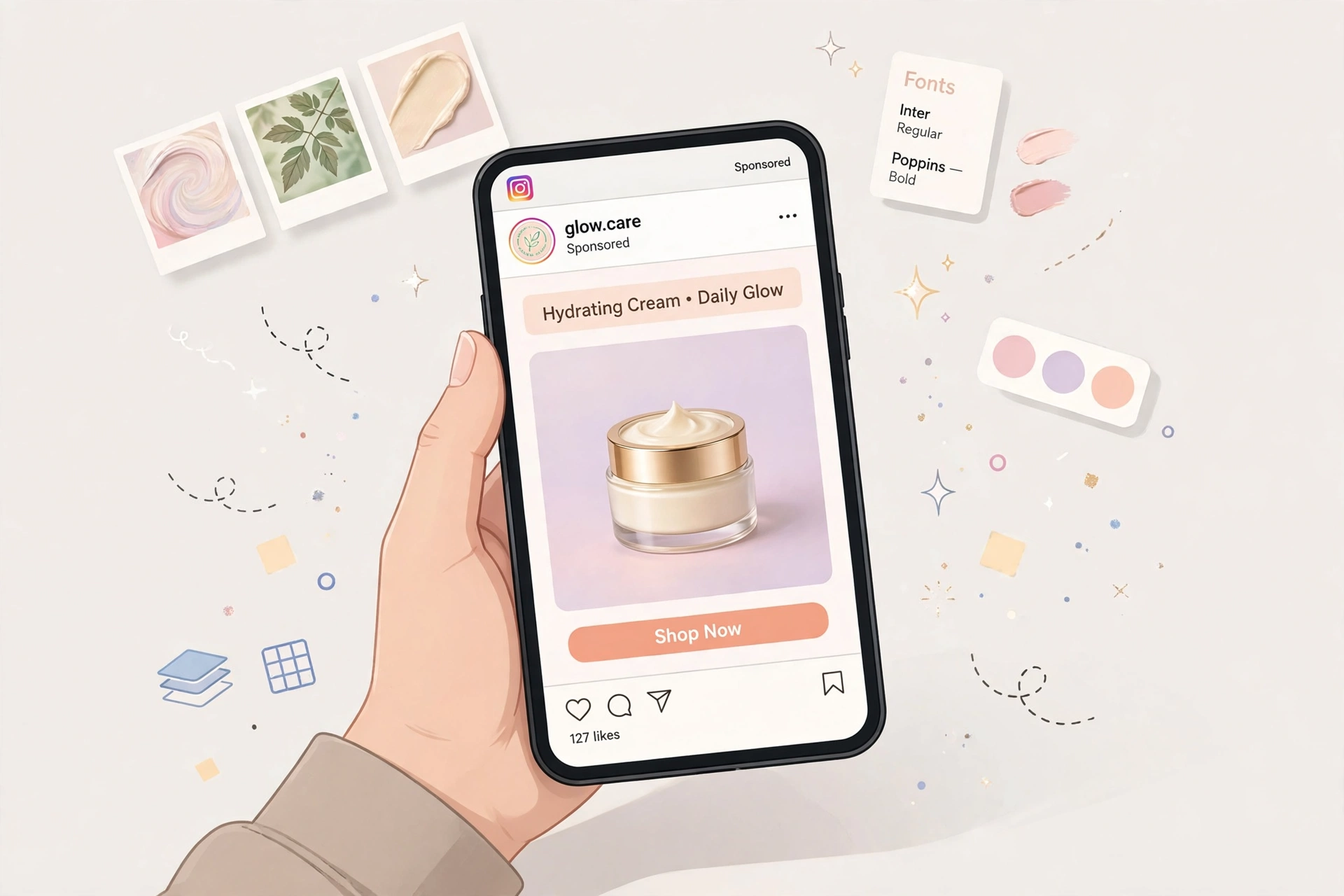
This is where generic AI output becomes your ad. Add your headline, offer and a clear call to action, keeping text under 20 percent of the image so it stays legible in a busy feed.
Canva’s Magic Studio is the easiest free option – AI design generation and Magic Write draft headlines and captions from a short prompt, and Canva does not watermark free exports. One limitation – one-click Magic Switch resize for Stories or Reels is locked behind Pro, so resize manually instead. Sharp headlines matter as much as visuals — the same drafting discipline behind AI writing tools for creative projects applies to ad copy.
Think about where the clicks go, too. Brands that run Instagram ads often pair them with AI chatbot development services so the DM and comment traffic from a winning creative gets answered instantly. A no-code AI agent builder can automate that follow-up without hiring.
Step 4 – Export in Instagram Formats and Finish Video Ads
The main Instagram ad sizes are 1080 x 1080 for square feed posts, 1080 x 1350 for portrait feed posts, and 1080 x 1920 for Stories and Reels. Export a version in each ratio you plan to run.
For video ads, Creatify is the most ad-specific free tool – paste a product URL and it generates a video ad with an AI script, voiceover and avatar presenters. The free plan gives 10 credits a month, though free exports carry a watermark, so it is best for testing concepts. Pippit covers similar ground with its Video Agent on a free daily-credit tier.
Then polish your clips in Clipchamp, Microsoft’s free video editor – unlimited projects, unlimited 1080p exports with no watermark, free AI auto-captions and text-to-speech voiceovers. If you also record voice ads, our comparison of AI-powered podcast editing tools covers similar AI audio workflows you can reuse.
Comparison – 7 Free AI Ad Creative Generators for Instagram
| Tool | Free tier | Watermark? | Best for |
|---|---|---|---|
| Canva (Magic Studio) | Free plan with monthly AI quota | No | Fastest static creatives plus AI captions |
| Adobe Express | Free plan with monthly Firefly credits | No | Commercially-safe AI backgrounds and variants |
| Microsoft Designer | Free with Microsoft account, monthly AI quota | No | Prompt-to-design layouts and templates |
| Clipchamp | Free plan, unlimited 1080p exports | No | Editing and exporting video ads watermark-free |
| Creatify | 10 credits per month | Yes, on free exports | URL-to-video AI ads with avatars and scripts |
| Pippit (by CapCut) | Free tier with daily credits, no card | Check current plan terms | Product-link-to-video and AI product scenes |
| Predis.ai | Limited free access (short free trial) | Yes, on free outputs | Ad copy, creative and scheduling tests |
Frequently Asked Questions

Hamad Arshad
SEO Specialist | SEO Manager | GEO Strategist
7+ Years of Experience in SEO, GEO, AEO, AI SEO, Local SEO, Technical SEO, PPC, Google Ads & Meta Ads.