
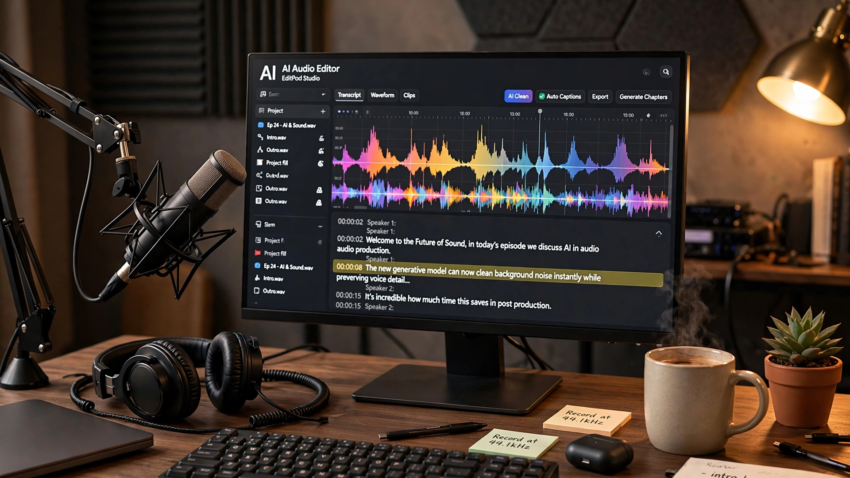
AI-Powered Podcast Editing Tools vs Traditional DAWs – Honest Comparison
TL;DR: AI-powered podcast editing tools like Descript, Adobe Podcast, and Riverside cut editing time from hours to minutes by transcribing audio, removing filler words automatically, and enhancing sound with one click. Traditional DAWs such as Audacity, Reaper, and Pro Tools still win on precise manual control. Most podcasters get the best results from one AI editor paired with a free cleanup tool.
What Are AI Podcast Editing Tools?
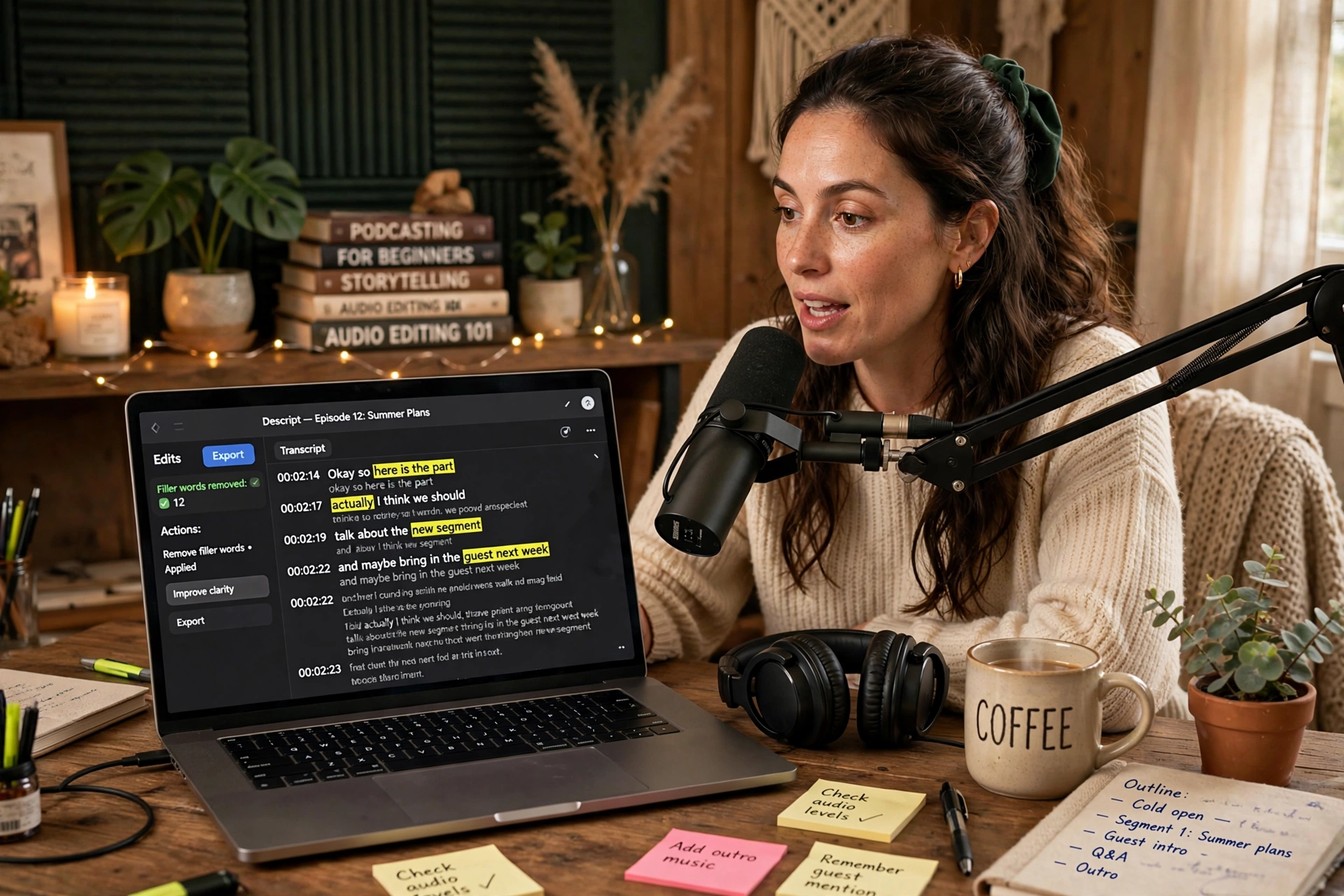
AI podcast editing tools are applications that use artificial intelligence to automate the tedious parts of audio post-production. Instead of scrubbing through waveforms by hand, you get features like automatic transcription, text-based editing (delete a sentence of text and the audio disappears), one-click filler word removal (“um”, “uh”, “like”), background noise reduction, and automatic leveling. They belong to a broader wave of AI automation tools that remove busywork from creative workflows. Popular options include Descript, Adobe Podcast, Riverside.fm, Podcastle, Auphonic, and Cleanvoice.
How Do AI Podcast Editors Differ from Traditional DAWs?
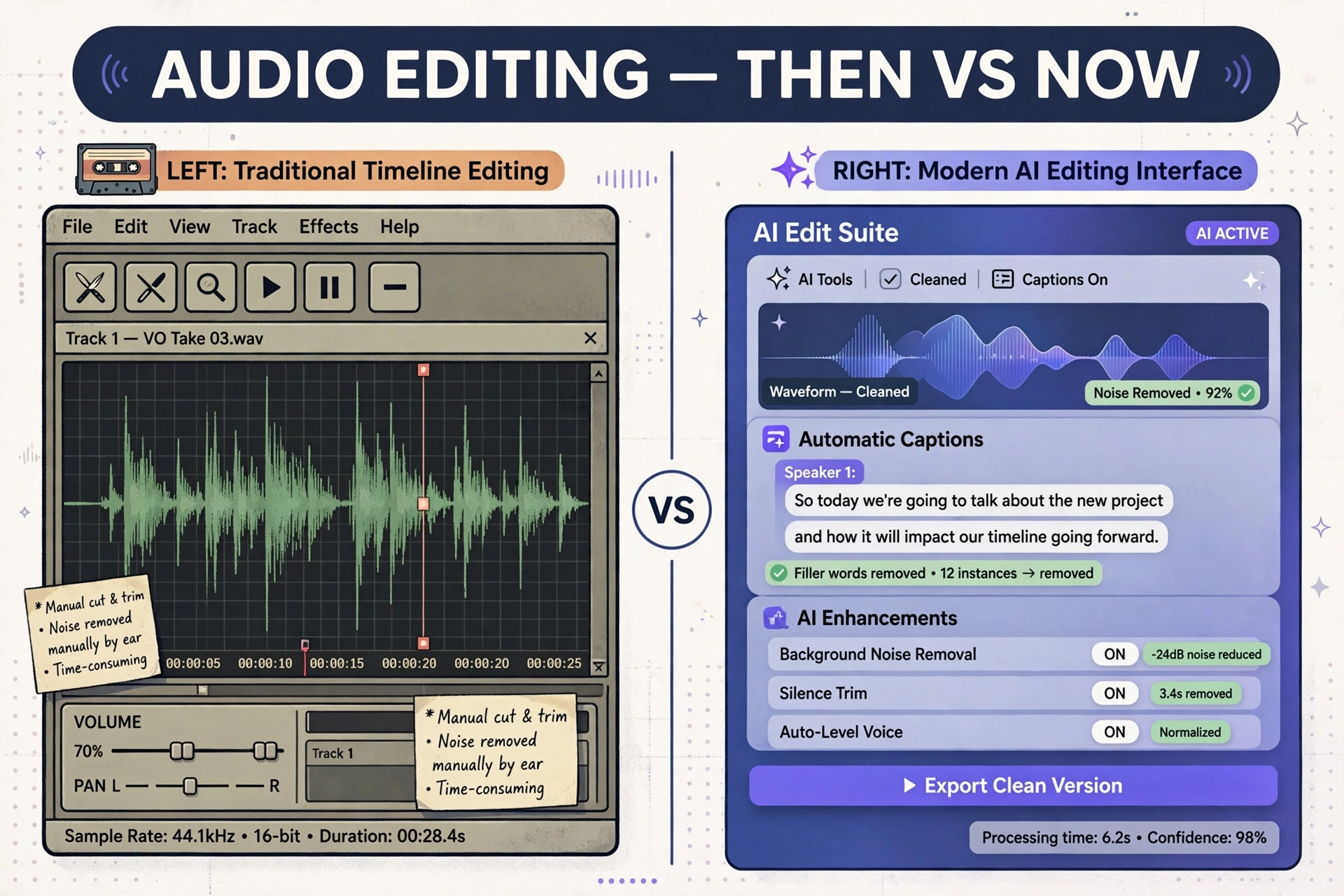
A traditional DAW (digital audio workstation) like Audacity, Reaper, or Pro Tools gives you a waveform timeline and manual controls for EQ, compression, and cuts. You decide every edit. An AI podcast editor flips this: the software transcribes your episode, identifies problems itself, and applies fixes you approve in bulk. The trade-off is control versus speed. AI tools are dramatically faster for standard cleanup, while DAWs remain essential for music production, complex mixing, and surgical audio repair.
Best AI Podcast Editing Tools Compared
- Descript – the best all-rounder: edit audio by editing a transcript, one-click filler word removal, Studio Sound enhancement. Free tier includes 1 hour per month (with watermark); paid plans from $16/month billed annually. Best for interview shows with lots of cuts.
- Adobe Podcast (Enhance Speech) – the best free one-click cleanup: paste in a noisy recording and get studio-like audio back. Free tier has a daily limit. Best as a repair pass before your main edit.
- Riverside.fm – best for remote recording: captures local 4K video and 48kHz audio regardless of internet quality, with AI editing and Magic Clips for highlight reels. Paid plans from $24/month billed annually. Best for video podcasts. Remote teams also use AI voice agents for small business to automate guest outreach and scheduling.
- Podcastle – the beginner-friendly all-in-one: browser-based recording, editing, and built-in hosting. Best for launching a first show without a learning curve.
- Auphonic – the mastering specialist: automatic leveling, loudness normalization, and noise reduction. 2 hours free per month. Best as the final polish step.
- Cleanvoice – the filler-word specialist: removes mouth noise, stutters, and dead air. Trial available; paid from $11/month for 10 hours. Best paired with another editor.
AI Editing vs DAW: Side-by-Side Comparison
| Factor | AI Podcast Editing Tools | Traditional DAWs |
|---|---|---|
| Time per episode | Minutes | Hours |
| Learning curve | Low – text-based | Steep – waveforms, plugins |
| Filler word removal | Automatic, one click | Manual cut by cut |
| Noise cleanup | One-click AI | Manual EQ and plugins |
| Precise control | Limited | Full surgical control |
| Cost | Free tiers + $11–32/month | Free (Audacity) to $600+ |
| Best for | Podcasters, creators | Engineers, musicians |
How Much Do AI Podcast Editing Tools Cost?
Most AI podcast editors have usable free tiers: Descript (1 hour/month), Adobe Podcast Enhance Speech (daily free allowance), and Auphonic (2 hours/month) cost nothing to try. Paid plans run roughly $11/month (Cleanvoice) to $32/month (Alitu) for solo creators – see our roundup of the best AI tools for small businesses in 2026 for more options. A practical stack – Descript for editing plus Adobe Podcast for cleanup – costs under $20/month and replaces hours of manual work per episode.
Which Should You Choose?
- Choose Descript if you spend most production time editing and repurposing, or run an interview show with heavy cuts.
- Choose Adobe Podcast if you need a free, zero-setup noise removal pass and already own an editor.
- Choose Riverside.fm if recording quality is the priority, you host remote guests, or you publish video too.
- Choose Podcastle if you are launching your first podcast and want one simple tool.
- Stick with a traditional DAW if you need DAW-level control: custom EQ chains, multiband compression, or spectral repair.
Frequently Asked Questions
Descript is the best all-round AI podcast editor thanks to text-based editing, automatic filler word removal, and Studio Sound. Adobe Podcast is the best free option for one-click audio cleanup.
Yes. Adobe Podcast Enhance Speech and Descript Studio Sound both remove background noise, room echo, and mic artifacts effectively, often making a budget microphone sound professional.
They do different jobs. Descript is a full editor (transcript editing, filler removal, publishing); Adobe Podcast Enhance Speech is a free single-purpose noise filter. Many podcasters use both.
For standard podcast production, no. For music, complex mixing, or surgical repair, yes – traditional DAWs like Reaper or Pro Tools still offer control AI editors lack.
Yes. Descript, Adobe Podcast Enhance Speech, and Auphonic all have free tiers generous enough to edit a weekly show while you evaluate them.
Yes. Riverside’s Magic Clips and Descript’s clip tools automatically generate short highlight reels sized for TikTok, Reels, and Shorts.
Conclusion
AI-powered podcast editing tools have changed the math of podcast production: what took an evening of waveform scrubbing now takes minutes of reviewing a transcript. Descript leads as the all-rounder, Adobe Podcast owns free cleanup, and Riverside owns remote recording quality. Traditional DAWs are not dead – they remain the right choice when precision matters more than speed. Start with the free tiers, test on two real episodes, and keep the stack that saves you the most time. Once editing is handled, see how AI agents can automate your daily work beyond the studio.

Hamad Arshad
SEO Specialist | SEO Manager | GEO Strategist
7+ Years of Experience in SEO, GEO, AEO, AI SEO, Local SEO, Technical SEO, PPC, Google Ads & Meta Ads.







Leave a Reply