Best AI Apps for iPhone
TL;DR: The best AI apps for iPhone are ChatGPT, Perplexity, Microsoft Copilot, Grammarly, CapCut, Canva, and Otter.ai — all free to download with genuinely useful free tiers. For general questions and brainstorming, ChatGPT and Copilot lead; for verified answers, Perplexity is unmatched; for writing, video, and design on the go, Grammarly, CapCut, and Canva are the go-to picks. Every app below has a real free plan, not a trial that expires.
Looking for the best AI apps for iPhone? The App Store is flooded with AI apps, and most of them are thin wrappers around a single API with a subscription paywall. We tested the ones that actually matter: seven free AI apps that do real work on your iPhone — answering questions, searching the web, fixing your writing, editing video, designing graphics, and transcribing meetings. Whether you’re building an AI-powered study routine or just want a smarter phone, these are the downloads worth your storage.
Which AI app should you download first?
It depends on what you want to do. If you want one general AI assistant, start with ChatGPT or Microsoft Copilot. If you search the web a lot and care about cited sources, get Perplexity. Students and professionals who write on their phone should grab Grammarly, while creators will get the most mileage from CapCut and Canva. And if you sit through meetings or lectures, Otter.ai’s free transcription is genuinely excellent. Here’s how they compare:
| App | Best for | Free plan | Rating |
|---|---|---|---|
| ChatGPT | General AI chat, brainstorming | Free tier | 4.9 |
| Perplexity | AI search with sources | Free searches daily | 4.9 |
| Microsoft Copilot | AI assistant + image generation | Free | 4.8 |
| Grammarly | Writing help anywhere | Free plan | 4.7 |
| CapCut | AI video editing | Free, no watermark option | 4.8 |
| Canva | AI design + Magic Studio | Free plan | 4.9 |
| Otter.ai | Meeting transcription | 300 free min/mo | 4.6 |
1. ChatGPT — the best all-round AI app for iPhone
ChatGPT is the default AI app for a reason. The iPhone app supports voice conversations, image input (snap a photo of anything and ask about it), and file uploads. The free tier is surprisingly capable for everyday use — writing drafts, explaining concepts, translating, planning, and brainstorming. If you only install one AI app, make this one. It pairs well with a free AI study planner for students who want structured learning sessions.
Website: chatgpt.com
Why it’s free: Core chat is free; Plus unlocks newer models and higher limits.
2. Perplexity — the best AI search app with real sources
Perplexity is what Google Search should have become: ask anything and get a direct answer with clickable citations. The iPhone app is fast, the voice mode works well, and the free tier gives you a solid number of searches per day. For research, homework, and fact-checking, it beats every other AI app on this list because you can verify everything it says.
Website: perplexity.ai
3. Microsoft Copilot — the best free AI assistant with image generation
Copilot puts a powerful AI assistant on your iPhone for free, with no subscription needed for the core features. It handles chat, web-grounded answers, and — notably — free AI image generation, which most competitors lock behind paywalls. If you want ChatGPT-style help plus free image creation in one app, Copilot is the pick.
Website: copilot.microsoft.com
4. Grammarly — the best AI writing app for iPhone
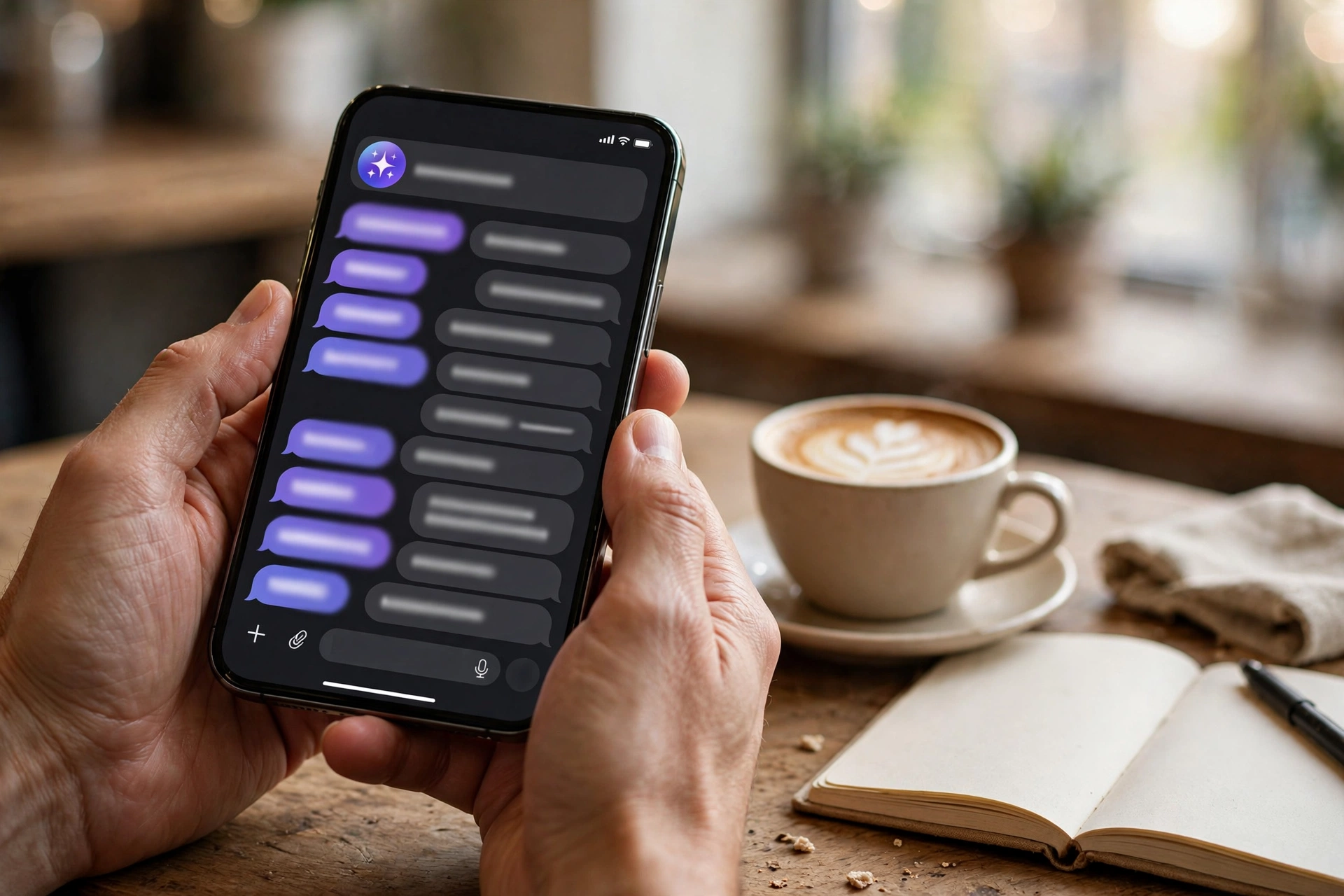
Grammarly’s iPhone keyboard and app catch grammar mistakes, rewrite sentences for clarity and tone, and now include generative AI features for drafting and brainstorming. It works across every app on your phone — messages, email, documents, social posts. The free plan covers the essentials, and it’s the single biggest upgrade you can make to how you write on your phone. Job seekers can pair it with a free AI cover letter generator for polished applications.
Website: grammarly.com
5. CapCut — the best free AI video editor for iPhone
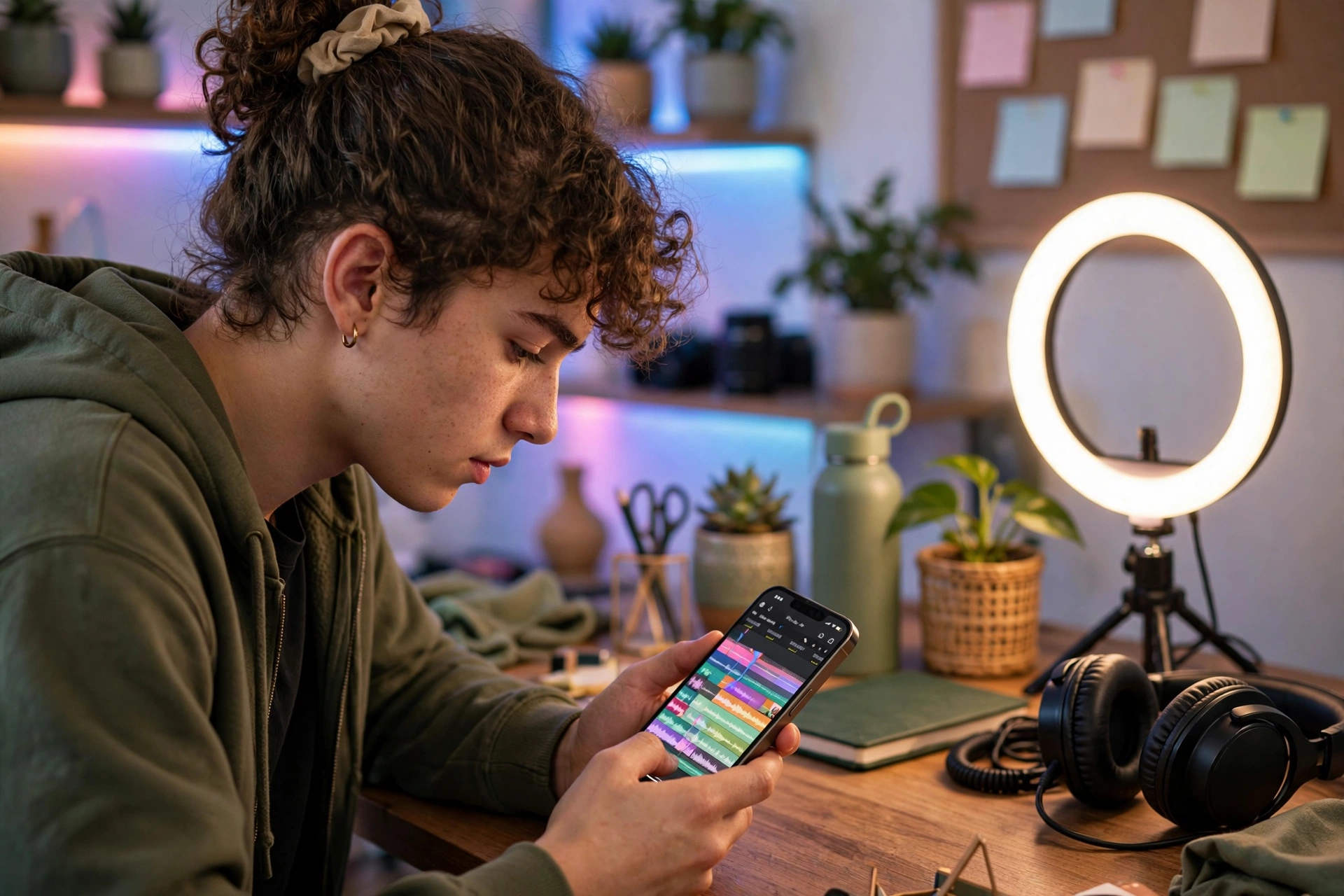
CapCut is the rare video editor that is both genuinely free and genuinely good. Auto captions, background removal, AI effects, templates, and smooth 4K export — all from your iPhone. It’s the engine behind most viral short-form video, and its free tier covers far more than beginners need.
Website: capcut.com
6. Canva — the best AI design app for iPhone
Canva’s Magic Studio brings AI image generation, background removal, and one-click design magic to your phone. Posters, thumbnails, presentations, social posts — the free plan is generous, and the iPhone app is fully featured. For anyone who designs on the go, nothing else comes close at this price (free).
Website: canva.com
7. Otter.ai — the best AI transcription app for iPhone
Otter.ai records and transcribes meetings, lectures, and interviews in real time, then summarizes the key points. The free plan includes 300 transcription minutes per month — enough for most students and professionals. The iPhone app works with in-person conversations and integrates with Zoom and Meet. If you take notes for a living, this app pays for itself immediately (it’s free).
Website: otter.ai
Are free AI apps on iPhone safe to use?
Stick to well-known apps from established companies — every app on this list is from a reputable developer with millions of users. Avoid random “AI” apps with no reviews, no website, and aggressive subscription popups; those are usually wrappers with little real functionality. Check the App Store privacy labels before installing anything new, and don’t paste sensitive personal data into any AI app.
How to pick the right AI app for your needs
Start with your main use case: chatting and general help (ChatGPT, Copilot), research with sources (Perplexity), writing (Grammarly), video (CapCut), design (Canva), or transcription (Otter.ai). Install two or three, use them for a week, and keep the ones you actually open daily. All seven are free, so there’s no cost to trying — and most of them work even better when combined, like drafting in ChatGPT and polishing in Grammarly.
FAQ
ChatGPT is the best all-round free AI app for iPhone, with voice chat, image input, and a capable free tier. Perplexity is the best for AI search with cited sources, and Microsoft Copilot is the best free option that also includes image generation.
Yes. ChatGPT, Microsoft Copilot, Perplexity, CapCut, Canva, Grammarly, and Otter.ai all have genuinely useful free plans — not just short trials. Paid tiers exist but are optional for everyday use.
Perplexity for research with sources, ChatGPT for explanations and brainstorming, and Grammarly for writing assignments. Otter.ai is excellent for transcribing lectures.
Yes — Microsoft Copilot includes free AI image generation, and Canva’s Magic Studio offers free AI image tools on its free plan.
Most AI features need an internet connection because the models run in the cloud. Some apps, like CapCut, offer offline editing for the non-AI features.
Both are excellent and free. ChatGPT has the edge in conversational quality and voice mode; Copilot includes free image generation and deep Microsoft integration. Try both and keep your favorite.

Hamad Arshad
SEO Specialist | SEO Manager | GEO Strategist
7+ Years of Experience in SEO, GEO, AEO, AI SEO, Local SEO, Technical SEO, PPC, Google Ads & Meta Ads.