Best Free AI Study Planner App for College Students – 7 Top Picks
TL;DR
The best free AI study planner app for college students is MyStudyLife for pure academic scheduling, Notion for an all-in-one workspace, and ChatGPT for generating custom study plans on demand. All 7 tools below have genuinely free tiers — no credit card required.
Juggling lectures, assignments, part-time work, and exams is hard enough without a system. A good AI study planner does more than list tasks: it reads your schedule, predicts how long work takes, and tells you what to study next. If you are a computer science student, pair your study system with a free AI coding assistant for students to speed up programming assignments too.
What Makes a Great AI Study Planner?
Before the list, here is what actually matters:
- Truly free tier — core planning features cost nothing
- Smart scheduling — AI suggests when to study, not just what
- Deadline tracking — exams and assignments in one timeline
- Cross-device sync — phone and laptop stay in sync
- Low setup friction — usable in under 10 minutes
Comparison Table – 7 Free AI Study Planners at a Glance
| Tool | Best For | Free Tier | AI Feature | Platforms |
|---|---|---|---|---|
| MyStudyLife | Class schedules | 100% free core | Timetable scan | iOS, Android, Web |
| Notion | All-in-one workspace | Free for students | AI writing help | iOS, Android, Web, Desktop |
| TickTick | Task + Pomodoro | Generous free | Natural language input | All platforms |
| Todoist | Simple task lists | Free tier | AI task breakdown | All platforms |
| ChatGPT | Custom study plans | Free tier | Full AI planning | Web, iOS, Android |
| Structured | Visual daily planning | Free tier | Smart inbox | iOS, Android, Mac |
| DormWay | Syllabus reading | Free for students | AI syllabus parsing | Web |
1. MyStudyLife – Best Free Academic Planner
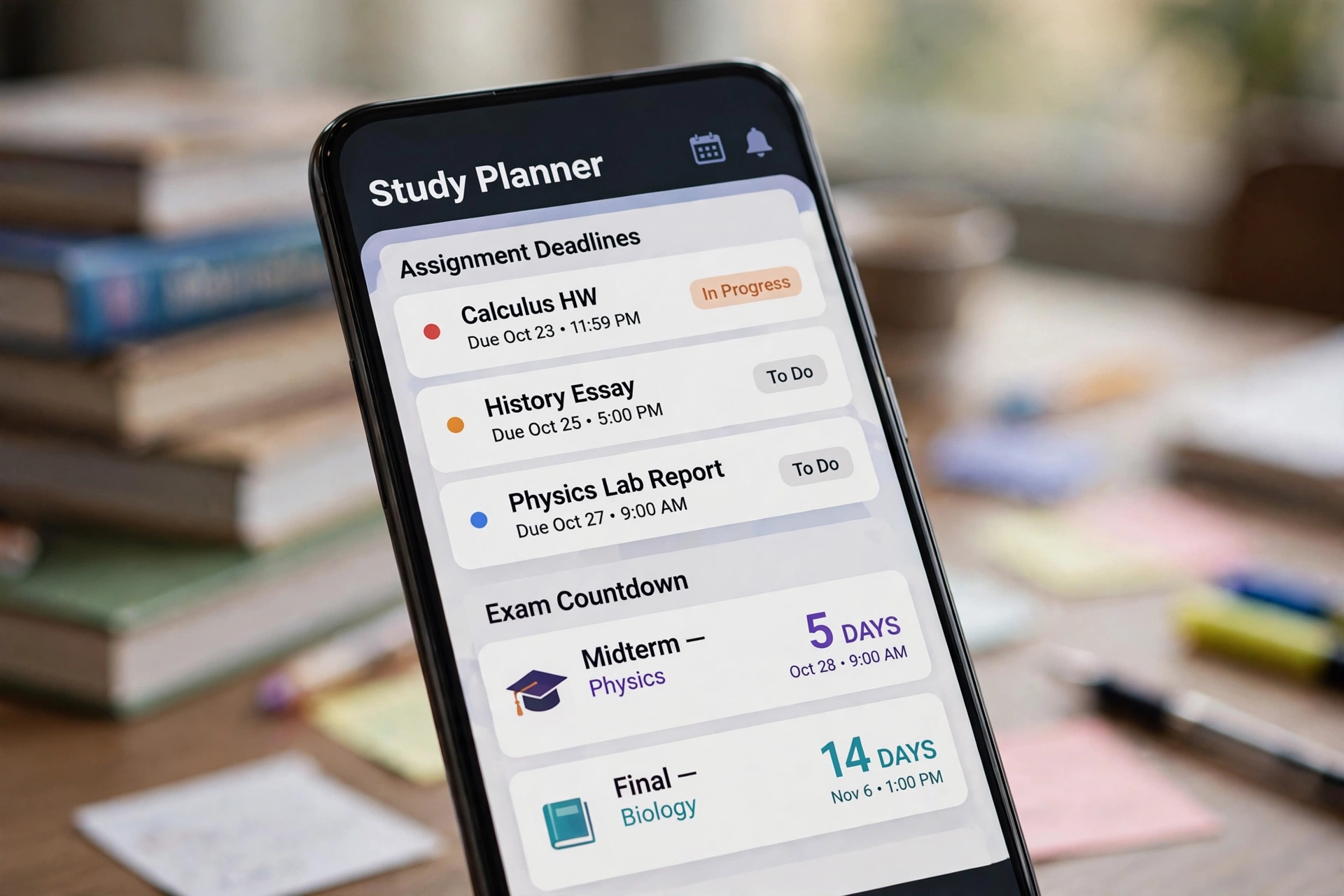
MyStudyLife is built specifically for students, and it shows. It handles rotating class schedules, exam countdowns, and assignment tracking without any of the clutter of business project tools.
Why students love it: purpose-built academic calendar, offline mode, and genuinely free core features with no paywall on essentials. Its schedule-scan feature reads a photo of your timetable.
Free tier honesty: the core planner is completely free. A premium tier exists for extras like subtasks, but you will not hit a paywall doing normal student planning.
Best for: high school and college students who want a dedicated academic planner.
2. Notion – Best All-in-One Study Workspace
Notion combines notes, databases, calendars, and wikis in one workspace. Students build dashboards that track courses, deadlines, reading lists, and grades in a single view.
Why students love it: infinite flexibility — your study system looks exactly how you want. Thousands of free student templates exist, including GPA trackers and deadline dashboards. Notion AI can summarize lecture notes and turn messy outlines into flashcards.
Free tier honesty: free for students with generous limits. Notion AI is a paid add-on, but the free workspace alone is a powerful planner.
Best for: students who want notes, tasks, and deadlines in one place. When application season comes, a free AI resume builder for freshers pairs well with an organized Notion job-tracker.
3. TickTick – Best for Tasks Plus Focus
TickTick blends task management with a built-in Pomodoro timer, habit tracker, and calendar — everything a study session needs in one app.
Why students love it: natural-language task entry (“Revise biology chapter 4 every Tuesday”) and the Pomodoro timer keep study sessions structured. The Eisenhower matrix view helps prioritize when everything feels urgent.
Free tier honesty: the free plan covers tasks, reminders, Pomodoro, and calendar sync — more than enough for student life.
Best for: students who study in focused sprints and want tasks and timer together.
4. Todoist – Best Simple AI Task Manager
Todoist is the cleanest task manager on this list. Its AI assistant can break a big scary task like “prepare for finals” into small actionable steps.
Why students love it: zero learning curve, fast capture from any device, and smart scheduling suggestions (“this task usually takes you 2 hours — schedule it Thursday”).
Free tier honesty: free tier includes projects, priorities, and basic AI suggestions. Power features sit behind premium, but students rarely need them.
Best for: minimalists who want a fast, no-fuss task list with light AI help.
5. ChatGPT – Best for Generating Custom Study Plans
ChatGPT is not a planner app — it is better described as a planner generator. Paste your syllabus, exam date, and weekly availability, and it builds a complete week-by-week study schedule in seconds.
Why students love it: unlimited flexibility. Ask for a 14-day revision plan for organic chemistry, quiz questions on any topic, or simplified explanations of hard concepts. It adapts to your exact courses.
Free tier honesty: the free tier handles study planning comfortably. Heavy daily use may hit rate limits, but planning sessions are well within bounds.
Best for: students who want a fully personalized plan without learning a new app.
6. Structured – Best Visual Daily Planner
Structured turns your to-do list into a visual timeline of your day. Drag tasks into time slots and see exactly how your study day flows.
Why students love it: the timeline view makes overloaded days obvious before they happen. Its smart inbox sorts incoming tasks so nothing slips through.
Free tier honesty: core timeline planning is free. Advanced features like cloud sync extras are paid, but the free tier plans a full student day.
Best for: visual thinkers who plan hour by hour. Schools choosing scheduling software should also look at AI timetable generators for institution-level planning.
7. DormWay – Best AI Syllabus Reader
DormWay is the newest tool here and the most genuinely “AI planner”: it reads your uploaded syllabi and Canvas data, then builds your assignment and exam timeline automatically.
Why students love it: zero data entry — your deadlines appear by themselves. The Do Now / Up Next / Due Soon timeline tells you exactly what deserves attention today.
Free tier honesty: free for students during its current rollout. As a young startup, confirm the current free limits on their site.
Best for: students drowning in syllabi who want automation, not another manual to-do list. And when you land interviews, a free AI headshot generator for LinkedIn polishes your profile.
How to Choose the Right Study Planner
- You want zero setup: DormWay or ChatGPT
- You want a real academic calendar: MyStudyLife
- You want everything in one workspace: Notion
- You study in Pomodoro sprints: TickTick
- You want the simplest list: Todoist or Structured
Start with one, use it for two weeks, then judge. The best planner is the one you actually open every day.

Frequently Asked Questions
MyStudyLife is the best free dedicated academic planner, Notion is the best all-in-one workspace, and ChatGPT is the best for generating fully custom study plans. All three have genuinely free tiers.
The tools on this list all offer free tiers that cover core planning. Some reserve advanced AI features for paid plans, but a college student can plan a full semester without paying on any of them.
Yes. DormWay reads uploaded syllabi automatically, and ChatGPT builds a week-by-week plan when you paste your syllabus and exam dates. MyStudyLife can scan a photo of your class timetable.
MyStudyLife offers full offline functionality with sync when you reconnect, making it ideal for commutes or campus dead zones.
Yes. Notion’s free plan is generous for students, and education accounts unlock extras. Thousands of free student templates cover GPA tracking, deadline dashboards, and revision planning.
Pick one tool, keep the system simple, and review it for five minutes each morning. Tools with reminders and visual timelines (TickTick, Structured) make consistency easier than willpower alone.

Hamad Arshad
SEO Specialist | SEO Manager | GEO Strategist
7+ Years of Experience in SEO, GEO, AEO, AI SEO, Local SEO, Technical SEO, PPC, Google Ads & Meta Ads.