
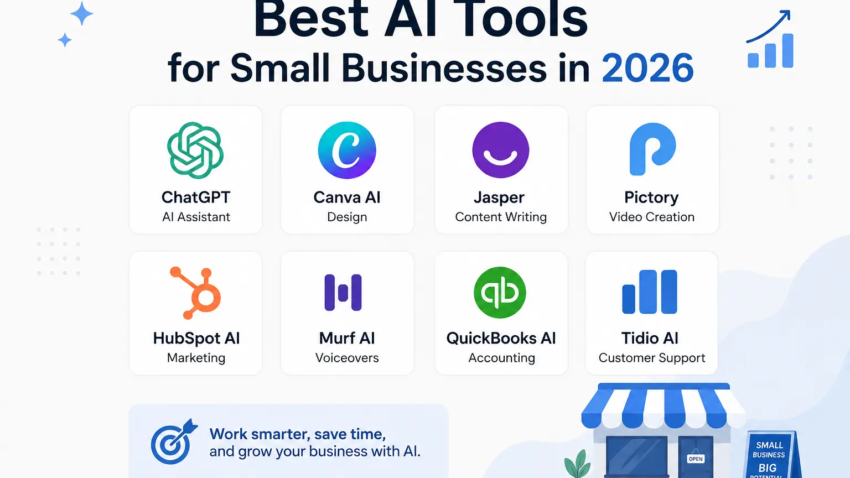
Best AI Tools for Small Businesses in 2026
Last January, I was sitting in my tiny home office at 11:40 PM, replying to customer emails, trying to schedule Instagram posts, and half-watching numbers on a spreadsheet that refused to balance. My coffee had gone cold two hours earlier. That was the night I finally admitted something I’d been avoiding for months I couldn’t keep running my small business like a one-person army.
A friend who runs a design studio told me, half-joking, “Dude, just let the robots do the boring stuff.” I laughed it off at first. But two weeks later, out of pure exhaustion, I started testing AI tools one by one. Not because I wanted to sound “cutting edge,” but because I genuinely needed my evenings back.
A year and a half later, I’m writing this from the same desk, except now I’m done with work by 6 PM most days. Here’s exactly what worked, what didn’t, and what I wish someone had told me before I wasted money on tools I never ended up using.
Why 2026 Actually Feels Different
I’ve tried AI tools since the early ChatGPT days, and honestly, a lot of them back then felt like gimmicks. You’d ask for help and get generic, robotic answers that needed heavy editing anyway.
What’s changed by 2026 is that these tools finally understand context. They remember what you told them earlier in a conversation, they connect with your other apps, and they don’t just generate content they actually complete tasks. That shift from “generating text” to “getting things done” is the real reason small business owners are paying attention now.
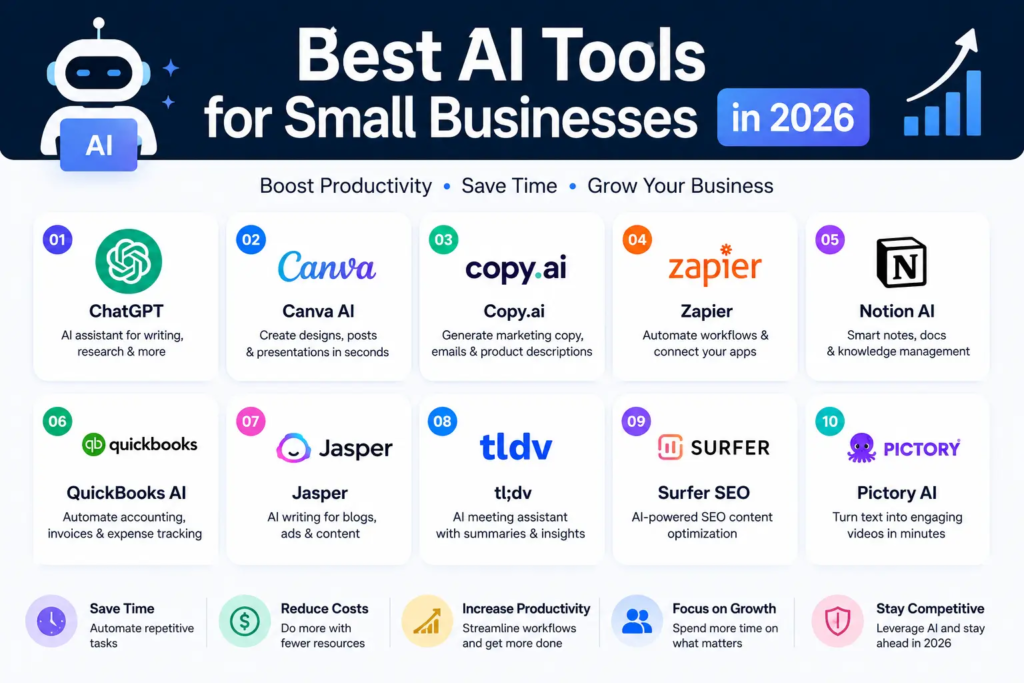
The Tools I Actually Use Every Week
1. ChatGPT and Claude for thinking out loud
I use both, honestly, depending on the task. ChatGPT is great when I need quick drafts, brainstorming, or a second opinion on a business decision. Claude has become my go-to for longer, more careful writing client proposals, policy documents, anything where tone and accuracy matter more than speed.
Real example: I once asked one of these tools to help me write a refund policy for my online store. It didn’t just spit out generic legal text — it asked me questions about my return window and product type first. That back-and-forth made the final version actually usable, not something I had to rewrite from scratch.
Mistake I made early on: I used to copy-paste AI-written content straight into my website without editing. Big mistake. It read stiff and impersonal. Now I always rewrite at least 30-40% of it in my own voice before publishing anything.
2. Canva (with its built-in AI features) for anything visual
I’m not a designer. Never have been. Canva’s AI-powered background removal, “Magic Design,” and text-to-image features have genuinely replaced the need for me to hire a freelance designer for basic social media graphics.
Step-by-step, here’s how I use it for a typical product post:
- Upload the product photo
- Use the background remover to clean it up
- Pick a template that matches my brand colors
- Let the AI suggest text placement and headline
- Tweak the fonts to match my logo style
- Export in the sizes I need for Instagram, Facebook, and my website banner
This one task used to take me 45 minutes. Now it takes about 8.
3. Notion AI for keeping my brain organized
My biggest weakness as a small business owner has always been documentation. I’d have ideas, tasks, and client notes scattered across three different notebooks and a dozen sticky notes.
Notion AI helps me summarize long client calls into short action points, turn messy notes into clean project outlines, and even draft meeting agendas. It’s not flashy, but it’s the quiet workhorse that keeps my week from falling apart.
4. HubSpot’s AI features for not losing track of customers
When my customer list grew past 200 people, I couldn’t remember who bought what or who I’d promised a follow-up email to. HubSpot’s free CRM tier with AI-assisted email suggestions helped me stop dropping the ball on follow-ups, which no exaggeration directly led to more repeat customers.
I’m not saying it’s perfect. The AI suggestions for email subject lines are sometimes too generic, and I still rewrite most of them. But the reminder system alone was worth setting it up.
5. Otter.ai for meetings I used to forget
I used to take terrible notes during client calls because I was too busy talking. Otter.ai records and transcribes meetings, and its AI summary feature pulls out action items automatically. I’ve caught details in the transcript that I completely missed live, simply because I was focused on the conversation itself.
6. QuickBooks with AI-assisted bookkeeping for the numbers I dread
Bookkeeping is the part of running a business I hate the most. QuickBooks’ AI categorization feature isn’t flawless it occasionally mislabels an expense but it’s cut my monthly bookkeeping time roughly in half. I still double-check everything before tax season, and you should too. AI is a helper here, not an accountant.
7. Zapier for connecting everything without hiring a developer
This one felt intimidating at first, but it’s honestly one of the most underrated tools for small businesses. Zapier lets you connect apps so they talk to each other automatically. For example, when someone fills out my contact form, Zapier automatically adds them to my email list and sends me a Slack notification.
Setting up my first “zap” took maybe 15 minutes, and it’s been running quietly in the background for over a year without me touching it.
A Simple Way to Start (Without Getting Overwhelmed)
If you’re where I was that January night, don’t try to adopt ten tools at once. That’s the fastest way to burn out and abandon all of them.
Here’s the order I’d recommend:
- Start with one AI writing tool (ChatGPT or Claude) to handle emails, descriptions, and quick drafts.
- Add Canva if visuals are part of your business at all.
- Once you have more than 50-100 regular customers, look into a CRM with AI features like HubSpot.
- Only add automation tools like Zapier once you notice repetitive manual tasks eating your time.
Give each tool at least two weeks before deciding if it’s worth keeping. Some tools feel awkward at first simply because you haven’t built the habit yet.
Mistakes I’d Tell My Past Self to Avoid
Don’t trust AI-generated numbers blindly. I once had an AI tool summarize a spreadsheet and it quietly rounded a figure in a way that made my monthly revenue look better than it actually was. I caught it before sending it to my accountant, but it was a wake-up call to always verify anything involving real money.
Don’t skip the free trial period. I paid for a full year of a project management AI tool without testing it properly first. Turned out my team hated the interface, and I lost that money.
Don’t let AI write your customer-facing voice entirely. People can tell when a message feels too polished or generic. I always keep a bit of my own personality in anything that goes out under my business name.
Don’t ignore data privacy. Before feeding any tool your customer information, check what it does with that data. A lot of small business owners skip this step, and it’s genuinely important, especially if you handle payment details or personal client information.
Is It Worth the Cost?
Most of the tools I mentioned have solid free tiers or trials, and honestly, that’s where I’d suggest anyone start. I didn’t pay for a single premium AI subscription in my first three months of testing. Once I knew exactly which tools I’d actually use daily, upgrading felt worth it instead of a gamble.
My rough monthly spend now sits around what I used to pay a part-time virtual assistant, except these tools work at 2 AM without complaint and never call in sick.
Final Thoughts
I won’t pretend AI tools fixed everything. I still have days where the automation breaks, or a draft email needs three rewrites before it sounds like me. But compared to that exhausted version of myself hunched over a cold coffee at midnight, things genuinely feel lighter now.
One niche that surprised me was scheduling — a friend who runs a tutoring center uses AI timetable generator tools to build weekly class schedules automatically, and the same logic works for any small team with repeating shifts.
If you’re running a small business in 2026 and haven’t experimented with any of this yet, you don’t need to overhaul everything overnight. Pick one tool. Use it for two weeks. See how it fits into your actual workflow, not just how impressive it sounds in a review.
That’s really how I started, and it’s the only reason any of this stuck.

Hamad Arshad
SEO Specialist | SEO Manager | GEO Strategist
7+ Years of Experience in SEO, GEO, AEO, AI SEO, Local SEO, Technical SEO, PPC, Google Ads & Meta Ads.







Leave a Reply