
Free AI Automation Tools with 1-Click Web Automation (2026)
Free AI automation tools are changing how we work on the web in 2026. If you want 1-click automation that runs right in your browser without heavy setup, coding, or cost, there are genuinely solid free options available today. Whether you want to scrape data, fill forms, move leads into a CRM, summarize long pages, or connect your favorite apps, you can automate real work without paying for a subscription. This in-depth guide covers the best free AI automation tools with minimal restrictions, how their free plans actually work, and which one fits your workflow for true 1-click web automation.

What Are Free AI Automation Tools for the Web?
AI automation tools combine classic workflow automation with artificial intelligence. Traditional automation moves data between apps when something happens, like adding a new row to Google Sheets when a form is submitted. AI automation goes further: it can read a webpage, decide what matters, write a summary, draft a reply, categorize a lead, or extract structured data from messy pages.
The “web” part matters because most of our work happens in the browser. The best tools in this guide either run as browser extensions with 1-click playbooks or connect to web apps through APIs with simple triggers. You click once, or an event fires, and the AI handles the repetitive steps: copying, pasting, typing, summarizing, and routing information where it needs to go.
For free users, the key questions are always the same. How many runs or tasks do you get per month? Do you need a credit card to start? Can you actually finish useful work on the free tier, or is it just a demo? Every tool below was picked because its free offering is genuinely usable for personal projects and small workflows, not just a trial. That is why free AI automation tools are worth trying before you pay for anything.
Why 1-Click Automation Matters
The biggest barrier to automation has never been the idea, it has been the setup. Many platforms ask you to map fields, write filters, and test webhooks before anything works. 1-click automation flips that: you install a browser extension, open a page, and run a prebuilt playbook. The AI reads the page context, fills in the blanks, and completes the task.
This matters for freelancers, students, marketers, recruiters, and small teams who do the same browser chores every day. Saving ten minutes per task across twenty tasks a week adds up to hours. Free AI automation tools with 1-click playbooks let you capture that value immediately, then graduate to deeper platforms like n8n or Make when your needs grow.
The 6 Best Free AI Automation Tools for 1-Click Web Work
1. n8n: The Most Powerful Free Option for Full Control
n8n is the standout for anyone who wants real power without paying. When you self-host n8n, the core workflow engine is free with no artificial cap on the number of workflows you can build. You get a visual canvas, 400-plus integrations, webhook triggers, scheduled runs, and AI nodes that connect to language models for summarization, classification, and content generation.
However, the tradeoff is setup. Self-hosting means running n8n on your own server or computer, which takes some technical comfort. But once it is running, you own your data and your automations. You can build AI agents that watch a website for changes, pull new items, summarize them with AI, and push results to Slack, Notion, or email. For developers and tinkerers, nothing free comes close.
If self-hosting sounds like too much, n8n also offers a cloud trial, but the lasting free path is self-hosted. Pair it with a free language model API tier and you have an uncapped automation lab for personal projects.
2. Make: The Best Free Visual Builder
Make, formerly Integromat, offers one of the most generous free plans among hosted platforms: 1,000 operations per month with a beautiful drag-and-drop scenario builder. You connect apps as visual modules, add routers, filters, and iterators, and drop in AI modules for text generation, image analysis, or data parsing.
What makes Make great for web work is its template library. For instance, there are hundreds of 1-click scenario templates: save Gmail attachments to Drive, post new blog content to social channels, enrich leads with AI before adding them to a CRM. You can clone a template, connect your accounts, and have a working automation in minutes.
The free tier includes core features with fair limits on data transfer and execution time. For personal automation and light business use, 1,000 operations covers a surprising amount. When you outgrow it, paid plans scale by operations rather than by seats, which keeps costs predictable.
3. Bardeen: True 1-Click Browser Automation
Bardeen is built for people who live in the browser. It installs as a Chrome extension and ships with ready-made playbooks you trigger with one click or a keyboard shortcut. Open a LinkedIn profile and enrich it to Google Sheets. Then, open a meeting page and push AI-generated notes to Notion. Finally, open a product page and extract specs into a table.
The free plan includes a solid set of playbook runs and the AI actions that make Bardeen special: summarize page content, draft outreach, categorize data, and merge information across tabs. Because it runs in the browser, it can automate sites that do not offer APIs, which is a huge advantage for web research, recruiting, and sales prospecting.
Bardeen also lets you build custom playbooks with a no-code builder and share them with a team. If your automation dream is “click once and the browser does the boring part,” start here.
4. Magical: Free AI Autofill That Saves Hours of Typing
Magical takes a different approach: instead of full workflows, it kills repetitive typing. The free Chrome extension watches what you type across web apps and lets you recall snippets, auto-fill forms, and move data between tabs with one click. Its AI can draft messages in your voice, extract details from an open page, and populate fields anywhere on the web.
This is perfect for support agents answering similar tickets, recruiters sending outreach, salespeople logging calls, and anyone who retypes the same information daily. There is no workflow canvas to learn. You highlight, you click, it fills.
Magical’s free tier is generous for individuals, with team features and advanced AI credits reserved for paid plans. For pure speed on everyday web chores, few tools deliver faster wins.
5. Relay.app: AI Agents With Human Checkpoints
Relay.app sits between simple extensions and full platforms. You build multi-step workflows with a clean visual editor, and AI steps are first-class citizens: summarize documents, draft content, make simple decisions, and route work based on AI output. Crucially, you can insert human-in-the-loop approvals, so the AI drafts and you approve with one click before anything sends.
The free starter plan lets you build real automations with enough runs to prove value. It connects to popular web apps like Gmail, Slack, Notion, and Airtable, and its AI agents can process web content pulled in through triggers. This makes it excellent for content workflows: draft a social post from a new blog article, summarize it, wait for your approval, then publish.
If you want AI doing meaningful work but still want control before anything goes public, Relay.app’s approval pattern is the safest free starting point.
6. Zapier: The Most Reliable Free Basics
Zapier remains the household name in automation, and its free plan still covers the essentials: 100 tasks per month, thousands of app integrations, and AI-powered actions like text summarization and content generation. While 100 tasks is modest compared to Make’s 1,000 operations, Zapier’s reliability and integration depth are unmatched.
For 1-click web use, Zapier’s browser extension and prebuilt zaps let you push data from any page into your stack with minimal setup. It is the safest pick when you need a mainstream integration that just works, especially connecting established SaaS tools.
Think of Zapier free as your starter kit: prove the workflow, then decide whether to upgrade or migrate heavier volumes to Make or n8n.
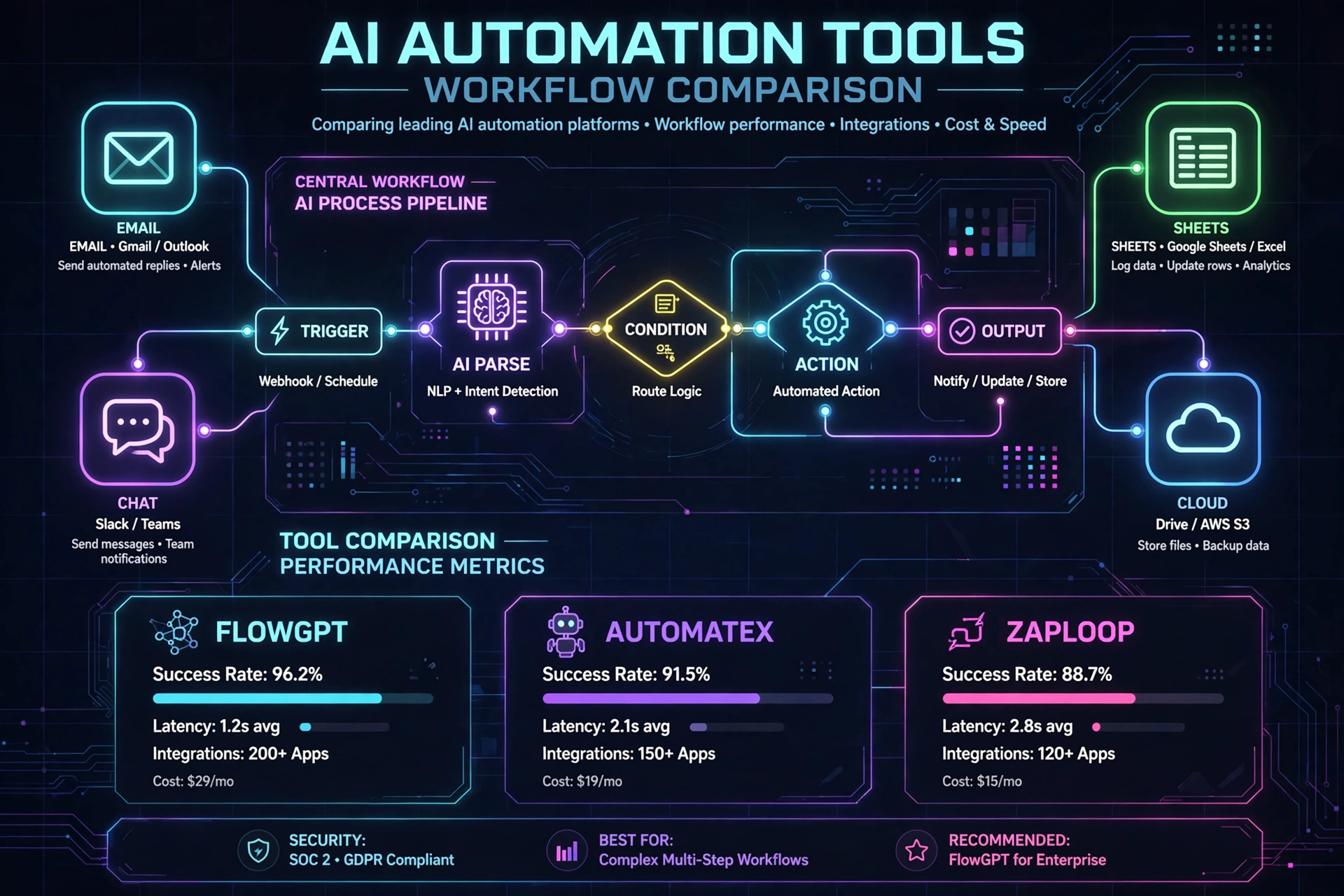
Free AI Automation Tools: Quick Comparison
| Tool | Free Offering | Best For | 1-Click Web Strength |
| n8n | Free self-hosted, unlimited workflows | Developers, data ownership | Webhooks and custom triggers |
| Make | 1,000 ops/month free | Visual multi-app workflows | 1-click templates |
| Bardeen | Free playbook runs | In-browser tasks | Extension shortcuts |
| Magical | Free extension | Autofill and typing | One-click fill |
| Relay.app | Free starter runs | AI agents with approvals | Approval-based agents |
| Zapier | 100 tasks/month | Mainstream integrations | 1-click zaps |
How to Choose the Right Free Tool
Start with where you work. When comparing free AI automation tools, if eighty percent of your repetitive work happens on web pages, install Bardeen or Magical first. You will feel the benefit in the first hour because there is almost no setup.
If your work spans multiple apps, like new form submission to CRM to Slack notification, Make’s free 1,000 operations will carry you far with its visual builder and templates. Zapier is the fallback when you need a specific integration that only it offers.
Choose n8n when you are technical and want no ceiling. Self-hosting removes the monthly-run anxiety entirely, and you keep full control of your data. It takes longer to set up, but it is the only option here that can genuinely scale to serious workloads for free.
Pick Relay.app when AI judgment is part of the workflow. Its human approval steps make it ideal for anything customer-facing, where you want AI speed with a safety net.
Real-World 1-Click Use Cases
A recruiter opens LinkedIn profiles and, with one Bardeen click, enriches each profile with AI-generated summaries into Google Sheets. A marketer uses Make to watch an RSS feed, summarize new posts with AI, and draft social captions awaiting approval in Relay.app. A student highlights lecture pages and uses Magical to auto-fill study notes into Notion. A freelancer self-hosts n8n to monitor client sites for changes and email AI summaries every morning. None of these require a paid plan to start. These examples show how free AI automation tools fit everyday workflows.
FAQs
Yes. Each option includes a usable free tier or a free self-hosted version, and none require a credit card to try. Paid plans add higher limits, team collaboration, or premium AI credits, but individuals can automate meaningful web work without paying.
In practice it means no credit card upfront and free usage generous enough for personal projects. Every hosted free tier has fair-use caps on runs, tasks, or operations. Only self-hosted n8n removes those caps, at the cost of running the software yourself.
Bardeen and Magical are closest to the 1-click ideal because they live in the browser. Install the extension, open any page, and trigger the automation where you already work.
For personal productivity and small workflows, often yes. Teams with high volume, compliance needs, or advanced AI usage will eventually need paid tiers, but the free plans here are strong starting points, not demos.
Final Take
You do not need a budget to start automating the web with AI in 2026. These free AI automation tools prove you can automate real work without a budget. Install Bardeen or Magical for instant 1-click wins inside your browser. Build cross-app workflows on Make’s generous free tier. Graduate to self-hosted n8n when you want unlimited power and data ownership. Add Relay.app when AI decisions need your approval, and keep Zapier in your pocket for its unmatched integration library. Pick one, automate one repetitive task today, and let the time savings compound. Explore more guides on ainexttop.com.

Hamad Arshad
SEO Specialist | SEO Manager | GEO Strategist
7+ Years of Experience in SEO, GEO, AEO, AI SEO, Local SEO, Technical SEO, PPC, Google Ads & Meta Ads.