

AI Chatbot Conversations Archive – Save and Manage Chat History (2027)
Your AI chatbot conversations are more valuable than you think. That marketing plan you built with ChatGPT, the code Claude debugged for you, the research Gemini summarized — if you lose access to that chat history, that work is gone. An AI chatbot conversations archive is your system for saving, organizing, and protecting those chats so you can find and reuse them anytime. Here is how to build one in 2027.
Why Archive Your AI Conversations?
Platforms can change their interface, delete old chats, or restrict access without warning. Archived chats stay searchable for reference — prompts that worked once can be reused, and past reasoning becomes a personal knowledge base. For freelancers and businesses, an archive also means client documentation and proof of work. Think of it as a backup drive for your AI-assisted brain. If you already use AI agents to automate daily work, archiving those agent conversations is even more important since they often contain finished deliverables.
Archive vs Export: What Is the Difference?
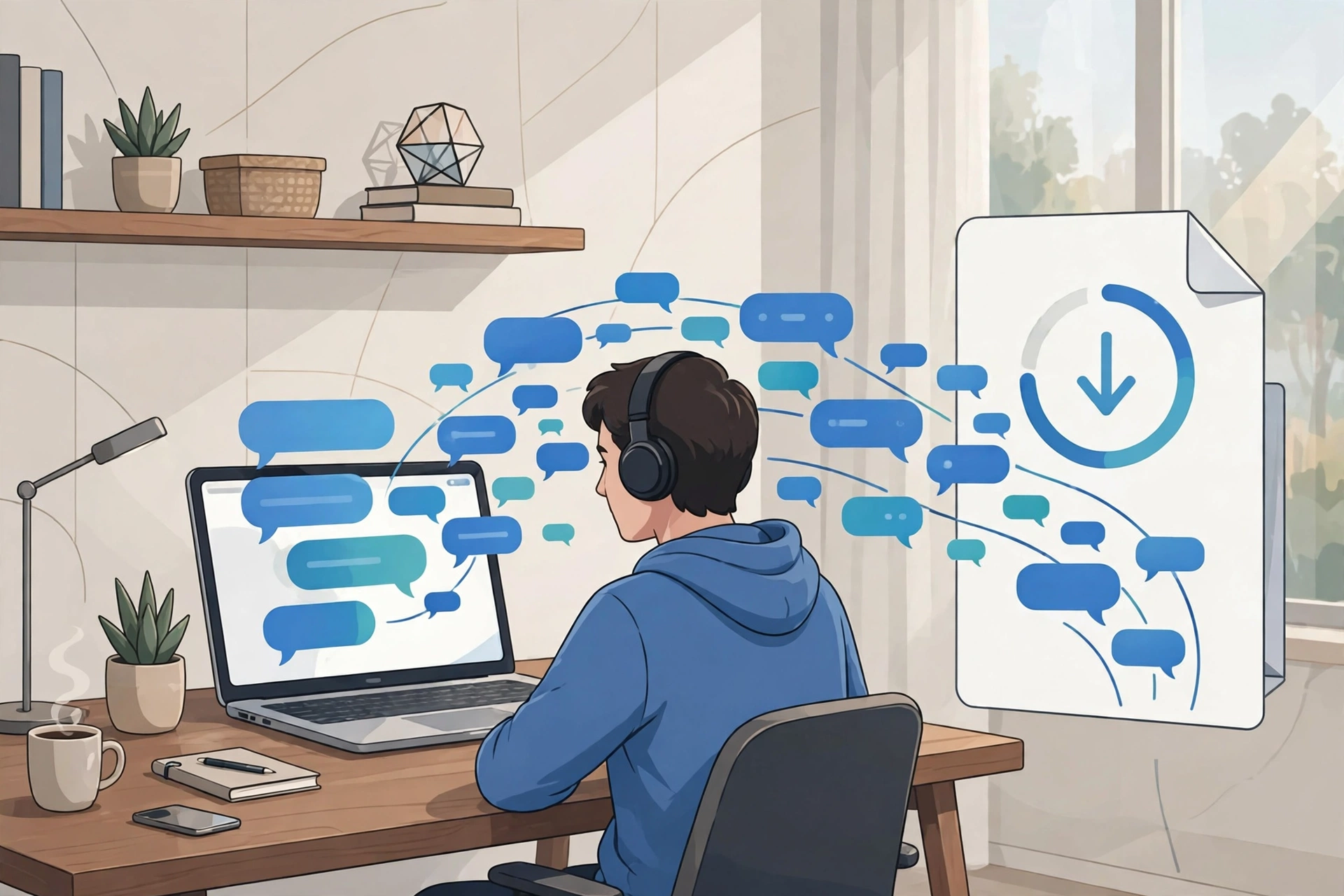
Archiving and exporting sound similar but do different things. Archiving hides a chat from your sidebar while keeping it inside the platform — useful for decluttering without losing anything. Exporting creates a downloadable copy of your data (usually a ZIP or JSON file) that lives on your own machine. Archiving organizes; exporting gives you true ownership. A proper archive uses both: archive to tidy up, export to back up.
How to Export Chat History (Platform by Platform)
ChatGPT (OpenAI)
Go to Settings → Data Controls → Export Data → Confirm Export. OpenAI emails you a download link, usually within hours. The ZIP contains conversations.json with your full chat history plus shared conversations. The JSON format is complete but not easy to read — you will want a viewer or converter tool for it.
Claude (Anthropic)
Click your account initials in the lower left → Settings → Privacy → Export Data. Claude exports your conversation data in a downloadable format covering your full history.
Google Gemini
Gemini offers three paths. Google Takeout (takeout.google.com) exports all your Google data — select Gemini Apps Activity during setup and your conversations download as HTML or JSON inside a ZIP. Inside an individual Gemini chat, the Share & export menu can send the conversation straight to a Google Doc. If you use Gemini inside Gmail, Docs, or Sheets, those interactions are already saved alongside your documents.
Microsoft Copilot and Others
Copilot conversations are tied to your Microsoft account and can be reviewed in your privacy dashboard. For tools without built-in export, a browser extension (below) is the fastest workaround.
Best Tools to Archive AI Chatbot Conversations
- GrabChat — a free, open-source Chrome extension that exports chats from ChatGPT, Claude, Gemini, Copilot, Perplexity, Grok, DeepSeek, and more in one click, in JSON, Markdown, or PDF formats with formatting preserved.
- AI Chat Exporter — a Chrome extension supporting ChatGPT, Claude, Gemini, and DeepSeek with one-click and batch export to PDF, Markdown, JSON, or plain text, keeping code blocks, tables, and images intact.
- Chat Folders — a free Chrome extension focused on organizing: it adds folders to your ChatGPT sidebar so you can group conversations by project before exporting.
- Manual Markdown saves — copy important chats into Markdown files with a clear naming pattern (e.g., 2026-01-15_ChatGPT_Marketing-Plan.md). Low-tech, free forever, and works everywhere.
How to Organize Your Archive So You Can Find Things
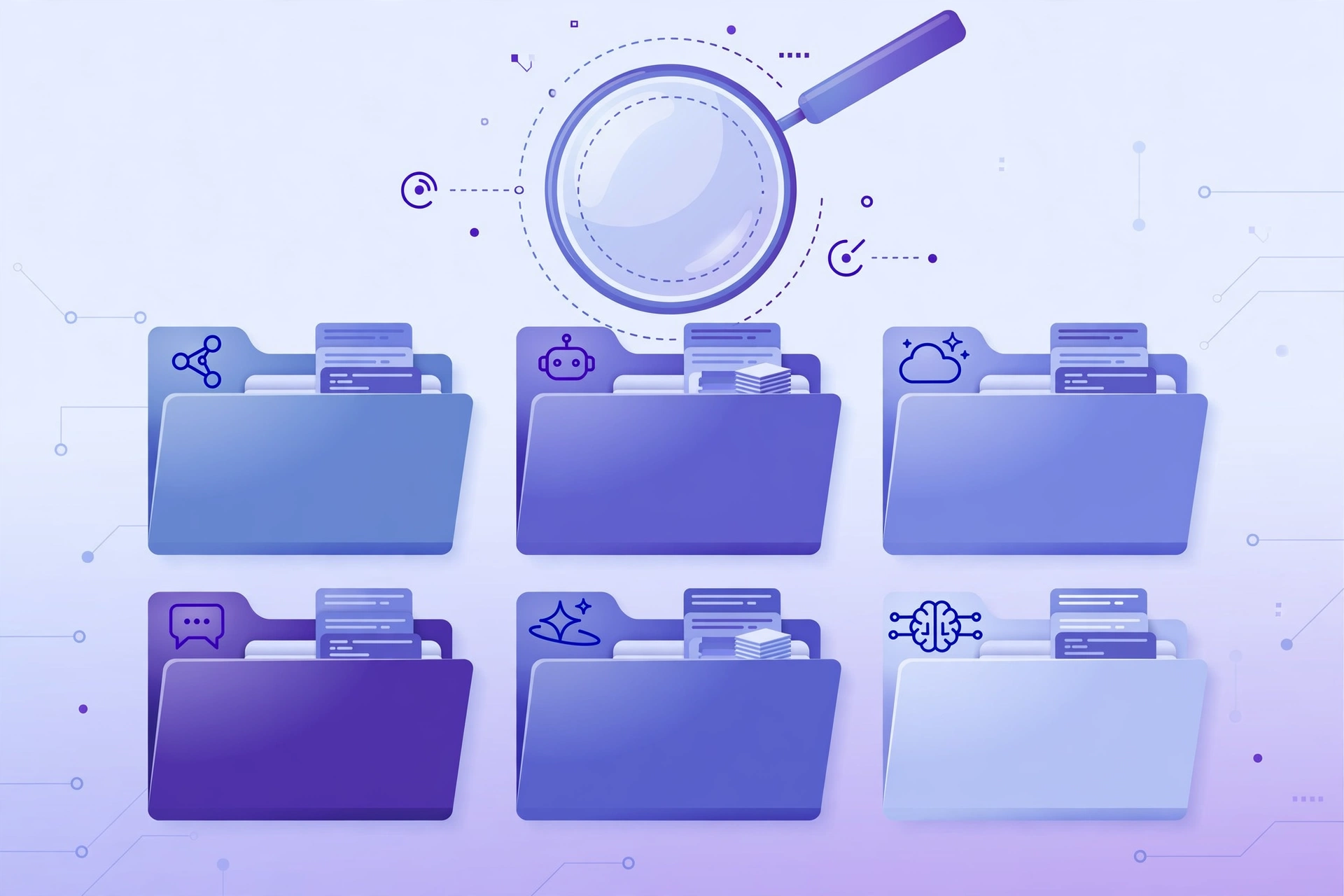
An archive you cannot search is just a junk drawer. Use a folder structure by year and platform, descriptive filenames with dates, and a short metadata header at the top of each file (date, platform, model, topic, key takeaways). For power users, local tools like Open WebUI or a simple SQLite database make every conversation searchable with full-text queries. And if you compare AI tools often — like our OpenHands vs Devin vs Manus breakdown — keep a “comparisons” folder with your raw research chats.
Privacy and Safety Tips
Remember what goes into your archive: conversations may contain personal data, client details, or credentials. Store archives on encrypted drives or private cloud storage, never share export files publicly, and review chats before sharing them with third-party tools. If a conversation contains sensitive information, consider redacting it before archiving. Check each platform’s data-retention settings — some let you opt out of training on your data, which is worth doing before you build a large archive.
Frequently Asked Questions
It is a system for saving, organizing, and protecting your AI chatbot chat history — exports, backups, and organized folders of conversations from tools like ChatGPT, Claude, and Gemini — so you can search and reuse them later.
Go to Settings → Data Controls → Export Data and confirm. OpenAI will email you a download link (usually within hours) containing conversations.json with your full chat history.
Yes. GrabChat is a free open-source Chrome extension that exports chats from ChatGPT, Claude, Gemini, Copilot, Perplexity, Grok, DeepSeek, and more into JSON, Markdown, or PDF with one click.
Archiving hides chats from view but keeps them in your account. Exporting creates a downloadable copy you own. Exporting is necessary for a true backup you control.
Yes — tools like GrabChat support ChatGPT, Claude, Gemini, Copilot, Perplexity, Grok, and DeepSeek, letting you save all your conversations into one organized local archive.
Platform archives stay in your account until you delete them. For full control, export your chats and store them on encrypted local or private cloud storage — and always review exports for sensitive data before sharing them.
Conclusion
Your best AI conversations are assets — treat them that way. Pick one export method for each platform you use, save important chats in an organized folder structure, and back them up outside the platform. Whether you use a free tool like GrabChat or manual Markdown files, an AI chatbot conversations archive takes minutes to start and pays off every time you reuse a winning prompt. Pair it with the right AI automation tools and AI voice agents for small business, and your AI workflow becomes a library you actually own.

Hamad Arshad
SEO Specialist | SEO Manager | GEO Strategist
7+ Years of Experience in SEO, GEO, AEO, AI SEO, Local SEO, Technical SEO, PPC, Google Ads & Meta Ads.







Leave a Reply