

List of AI Music Generation Tools
Type a sentence like “an upbeat indie pop song about a road trip” and, less than a minute later, you are listening to a finished track with vocals, instruments, and a chorus. That is what AI music generation tools do, and they have quietly split into two camps: song generators that produce complete tracks with lyrics and singing, and scoring tools that create background music for videos, podcasts, and games.
This list covers the ten tools worth knowing about, what each one actually does well, and who should use it. If you want the short version, skip to the comparison table. And if you are curious about the technology underneath — how generative systems take a text prompt and turn it into structured output — our explainer on how agentic AI systems work is a good place to start.
Quick Comparison Table
| Tool | Best for | Free option |
|---|---|---|
| Suno | Complete songs with vocals and lyrics | Yes – free tier with limited credits |
| Udio | High-fidelity songs and remixing | Yes – free tier |
| ElevenLabs Music | Editable songs with a licensing-first approach | Yes – free credits |
| Stable Audio | Soundscapes, sound effects, and stems | Yes – free tier |
| Soundraw | Customizable background music for video | Free to create and preview |
| Beatoven.ai | Mood-based scores for video and podcasts | Yes – free tier |
| AIVA | Orchestral and cinematic composition | Yes – free plan for personal use |
| Musicfy | AI covers and custom voice songs | Limited free access |
| Loudly | Fast, parameter-driven tracks | Yes – free plan |
| Boomy | Beginner songs with streaming distribution | Yes – free plan |

Suno
Suno is the name most people mean when they talk about AI music. Give it a prompt — or paste in your own lyrics — and it generates a complete song with vocals, instrumentation, and a proper verse-chorus structure across a wide range of genres. Its editing tools let you extend sections, swap parts of a track, and split a song into stems, so a good generation can become a working demo rather than a dead end.
Best for: anyone who wants finished songs with singing, from hobbyists testing ideas to songwriters building demos. One caution: songs made on the free tier are for personal, non-commercial use. Paid plans are what unlock downloads and commercial rights.
Udio
Udio, built by former Google DeepMind researchers, earned its reputation for audio fidelity and for following prompts closely — describe a specific sound and it tends to land nearer the mark than most rivals. Its remix and extend tools make it easy to take one good idea and spin variations from it, which suits producers who like to iterate.
Best for: experimenting with polished, high-quality song ideas and remixes. There is one big caveat right now: Udio has downloads switched off across all of its plans while it transitions to a new licensed platform. Treat it as a place to create and share inside the app, not as a source of files for your projects, until that changes.
ElevenLabs Music
ElevenLabs built its name on AI voices, and its music generator applies the same polish to songs. You can generate a track from a prompt and then edit it section by section — add or remove parts, adjust lyrics and style, and regenerate individual passages instead of starting over. A large part of its pitch to businesses is that its music model is built on licensed training data, with commercial use in mind from the start.
Best for: creators and teams who want editable songs and care about a cleaner licensing story. Access runs on credits shared with the wider ElevenLabs platform, so heavy generation on long tracks can use up an allowance quickly.
Stable Audio
Stable Audio, from Stability AI, is less about pop songs and more about raw material. It generates high-quality stereo audio — music beds, ambient textures, sound effects, and loops — and can output stems that producers can pull into a digital audio workstation and keep building on. It handles longer, atmospheric pieces comfortably, which makes it popular for cinematic and experimental work.
Best for: producers, sound designers, and game or film creators who want soundscapes and building blocks rather than a finished vocal track. Vocals are not its strength; texture and flexibility are.
Soundraw
Soundraw takes a different approach: instead of chasing the perfect prompt, it generates royalty-free instrumental tracks and then hands you the controls. You can adjust tempo, energy, mood, and the length of individual sections without regenerating the song, which is exactly what you need when a track has to fit a specific video edit.
Best for: YouTubers, marketers, and video editors who need background music shaped to a cut. It does instrumentals only — no vocals — and while creating and previewing is free, downloading tracks for real projects sits on its paid plans.
Beatoven.ai
Beatoven.ai builds background music around emotion. You pick a mood, set the length, and it composes an instrumental track designed to hold that feeling consistently from start to finish — harder than it sounds, and the reason podcasters and video makers like it. It can also generate custom sound effects, and finished tracks can be downloaded as stems for finer control in an editor.
Best for: video creators, podcasters, and game developers who need a score that matches a mood and a runtime. Like Soundraw, it is an instrumental tool, so look elsewhere if you need a singer.
AIVA
AIVA is the elder of this list, and it shows in a good way. Rather than chasing pop songs, it composes in more than 250 styles with a particular strength in orchestral, classical, and cinematic music. You can guide it with an existing audio or MIDI influence, edit the composition, and export MIDI files to keep arranging the piece in your own software — a workflow none of the prompt-only tools really offer.
Best for: film, game, and media composers who want a composed score they can keep editing. Its free plan is aimed at personal use; paid plans broaden what you are allowed to do with the music.
Musicfy
Musicfy is built around the voice. Its standout tricks are AI covers and custom voice models: upload or record a vocal, and you can hear it performed in a different voice, or train a model of your own voice and have it sing new material. It also does straightforward text-to-music generation and stem separation, and it keeps a library of copyright-free voices for people who do not want to bring their own.
Best for: creators making covers, demos, and vocal experiments. Only ever clone a voice you own or have clear permission to use — a voice being technically clonable does not make it yours to use commercially.
Loudly
Loudly is the fast, no-fuss option. Instead of long prompts, you steer with direct controls — genre, tempo, key, duration, instruments — and it assembles a track to match. That predictability, plus a catalog and API side aimed at apps and platforms, makes it popular with content teams that need a steady supply of unobtrusive music rather than one perfect song.
Best for: social content, ads, and apps that need decent background tracks quickly and in volume. It is not where you go for a memorable vocal hook, but that is not the job it is built for.
Boomy
Boomy might be the gentlest on-ramp in AI music. Pick a style, click create, and within seconds you have a complete song — no prompt-writing skill and no music theory required. What sets it apart is what happens next: paid plans let you distribute finished tracks to streaming services, turning casual experiments into an actual catalog.
Best for: complete beginners and casual creators who want to make and release simple songs. The free plan is for experimenting; downloads and commercial use come with its paid plans, and the output is more “fun and fast” than polished.
How to Choose the Right Tool
Start from the job, not the brand name. This is the same discipline that applies to generative AI generally — matching the tool to what would be an appropriate task for using generative AI saves you from paying for power you never use.
- Full songs with vocals and lyrics: start with Suno. Try Udio if sound quality matters more than exporting files right now, ElevenLabs Music if you want section-by-section editing, and Musicfy if the voice itself is the point.
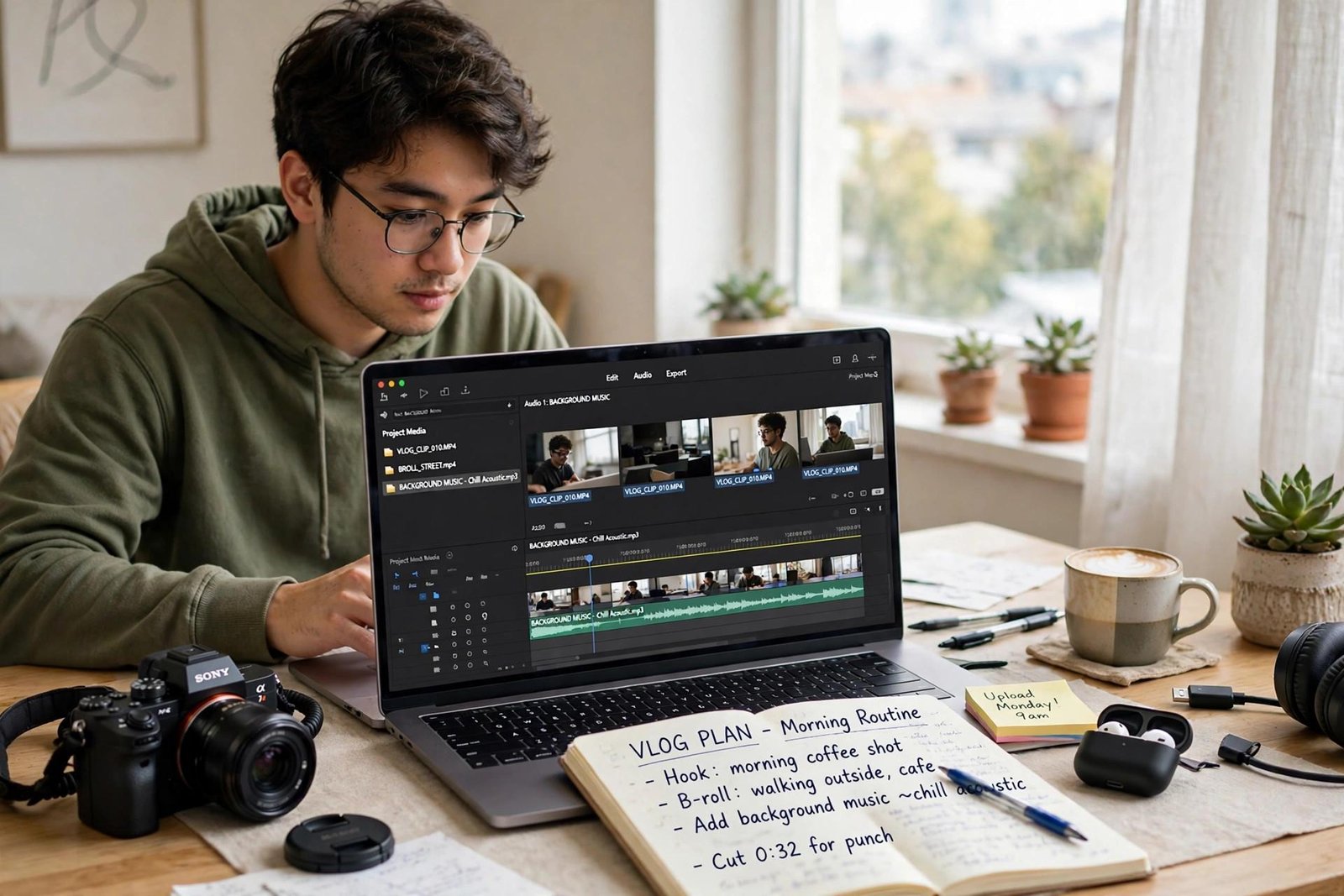
- Background music for video and podcasts: Soundraw when you need to reshape a track to fit an edit, Beatoven.ai when mood and length matter most, Loudly when you need volume and speed.
- Royalty-safe content for commercial projects: look first at tools that lead with licensing — ElevenLabs Music, Soundraw, and Beatoven.ai — and still read the plan terms before you publish anything.
- Game and film scoring: AIVA for composed, editable orchestral work; Stable Audio for textures, effects, and stems you will finish in your own software.
- Just starting out: Boomy for instant results, or Suno’s free tier to learn what good prompting sounds like.
A Note on Licensing and Commercial Use
This is the part of AI music that listicles usually skip, and it is the part most likely to bite you. The rules differ by tool and by plan, and they change — so treat the following as a map of what to check, not a final answer.
First, free tiers almost always restrict commercial use. On most platforms, anything you make for free is licensed for personal use only, and in some cases you cannot even download it. Paid plans are what typically grant commercial rights, and the exact scope — monetized videos, streaming distribution, client work, resale — is defined in each tool’s terms.
Second, a license to use a track is not the same as owning its copyright. Copyright protection for fully AI-generated material is uncertain in many jurisdictions, and some copyright offices have said purely machine-generated work may not qualify for protection at all. Your rights often come from the tool’s contract with you, not from copyright law.
Third, remember where these models come from. They are trained on enormous collections of existing recordings — which is why how AI is created matters here — and the legal position of that training data is still being worked out between platforms, labels, and courts. That is exactly why downloads and terms have shifted on some tools recently.
The practical habit is simple: before you publish, sell, or build a business on a generated track, read the current terms of the tool and the plan you are on, and keep a note of which plan produced the track. Five minutes of checking beats a takedown.
Frequently Asked Questions
There is no single winner — it depends on the job. Suno is the strongest all-rounder for complete songs with vocals, Soundraw and Beatoven.ai are better fits for background music, and AIVA leads for editable orchestral composition. Pick by use case first, then compare free tiers.
Usually, yes — but only under the right plan. Most tools reserve commercial rights, including selling and distributing tracks, for their paid tiers, while free-tier output is personal use only. Streaming platforms and distributors also have their own rules about AI-generated releases, so check both before you upload anything for sale.
Most of the tools on this list offer a free tier or free starting credits, which is enough to test the workflow and make a few tracks. The limits show up fast, though: restricted downloads, capped generations, and no commercial rights are the common trade-offs. Serious or commercial work generally means a paid plan.
Yes. Suno, Udio, ElevenLabs Music, Musicfy, and Boomy can all generate sung vocals, and several let you supply your own lyrics instead of having the tool write them. Other tools on this list — Soundraw, Beatoven.ai, Loudly, and Stable Audio — focus on instrumental music and sound, so choose based on whether your track needs a singer.
It depends on the tool’s terms and on where you live. Paid plans typically grant you broad rights to use, distribute, and monetize what you generate, but that is a license from the platform rather than a guarantee of copyright ownership. In some jurisdictions, work generated entirely by AI may not be eligible for copyright protection, so treat the terms of your plan as the document that defines your rights.
Soundraw is the popular pick when the music has to fit a specific edit, because you can reshape sections after generation. Beatoven.ai is a strong alternative when matching a mood and an exact length matters more, and Loudly works well when you need a steady supply of simple tracks. All three focus on instrumentals, which is what most video work needs.

Hamad Arshad writes and edits AI Next Top from Rahim Yar Khan, Pakistan. He has worked in SEO and digital marketing for over 7 years and started this site to explain AI tools and news in plain language for non-technical readers. Every guide here is checked against the real tool before it is published.








Leave a Reply