
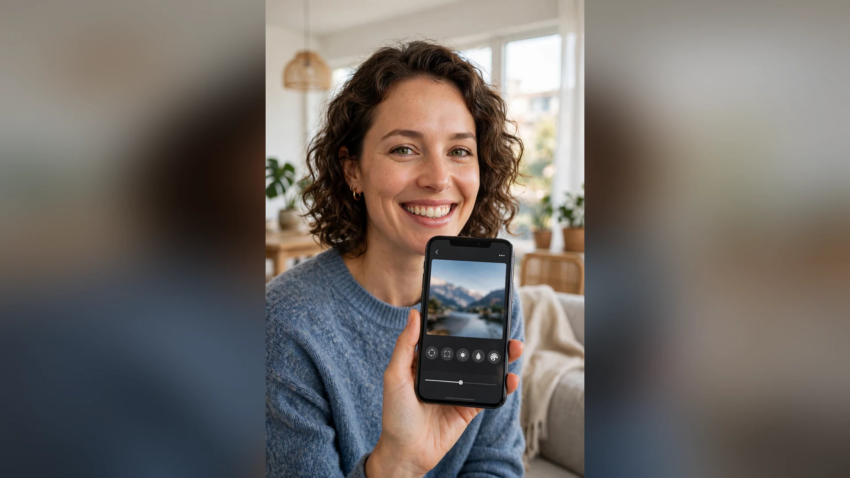
Gemini AI Photo Prompt Copy Paste
Looking for Gemini AI photo prompts you can simply copy and paste? You are in the right place. This is the complete collection — ready-made prompts for boys, girls, couples, professional photos, and festival looks. Upload one clear photo to Google Gemini, paste a prompt, and get a studio-quality edit in seconds. No editing skills, no apps to learn.
If you only want the boys’ styles, we also have a dedicated list of Gemini AI photo prompts for trending boy looks — this page is the full collection for everyone.
How Copy Paste Prompts Work in Gemini
- Open the Gemini app or gemini.google.com.
- Upload a clear, front-facing photo (good light, face fully visible).
- Copy any prompt below, paste it into the chat, and send.
- Download the result in full quality.
The one line that matters most: start every prompt with “keep my face 100% same”. It tells Gemini to change the scene, outfit, and style — but never your face.

Gemini AI Photo Prompts for Girls
Prompt 1 — Soft Aesthetic Portrait
“Edit my photo into a soft aesthetic portrait. Keep my face 100% same. I am sitting near a bright window with flowers beside me, wearing a pastel pink outfit, natural soft makeup, gentle daylight, dreamy Instagram photography, ultra detailed.”
Prompt 2 — Traditional Saree Look
“Transform my photo into an elegant traditional portrait. Keep my face 100% same. I am wearing a red silk saree with golden jewellery, standing in a decorated hall with warm lights, graceful pose, premium festive photography.”
Prompt 3 — Cafe Girl Aesthetic
“Edit my photo into an aesthetic cafe portrait. Keep my face 100% same. I am holding a coffee cup at a wooden table, wearing a beige cardigan, plants and warm lights around, candid smile, cozy lifestyle photography.”
Prompt 4 — Sunset Field Look
“Transform my photo into a golden-hour field portrait. Keep my face 100% same. I am standing in a flower field at sunset wearing a white summer dress, warm sunlight on my face, soft wind in my hair, cinematic photography.”
Gemini AI Photo Prompts for Boys
Prompt 5 — Formal Suit Look
“Edit my photo into a sharp formal portrait. Keep my face 100% same. I am wearing a navy blue suit with a white shirt, standing in a modern office lobby, confident pose, premium corporate photography, ultra realistic.”
Prompt 6 — Denim Street Look
“Transform my photo into a casual street-style photo. Keep my face 100% same. Wearing a denim jacket over a white t-shirt, standing against a graffiti-free brick wall, relaxed pose, bright daylight, fashion photography.”
Prompt 7 — Night Rider Look
“Edit my photo into a night city portrait. Keep my face 100% same. I am standing beside a motorcycle under city lights, wearing a black jacket, reflections on the wet road, moody cinematic photography.”
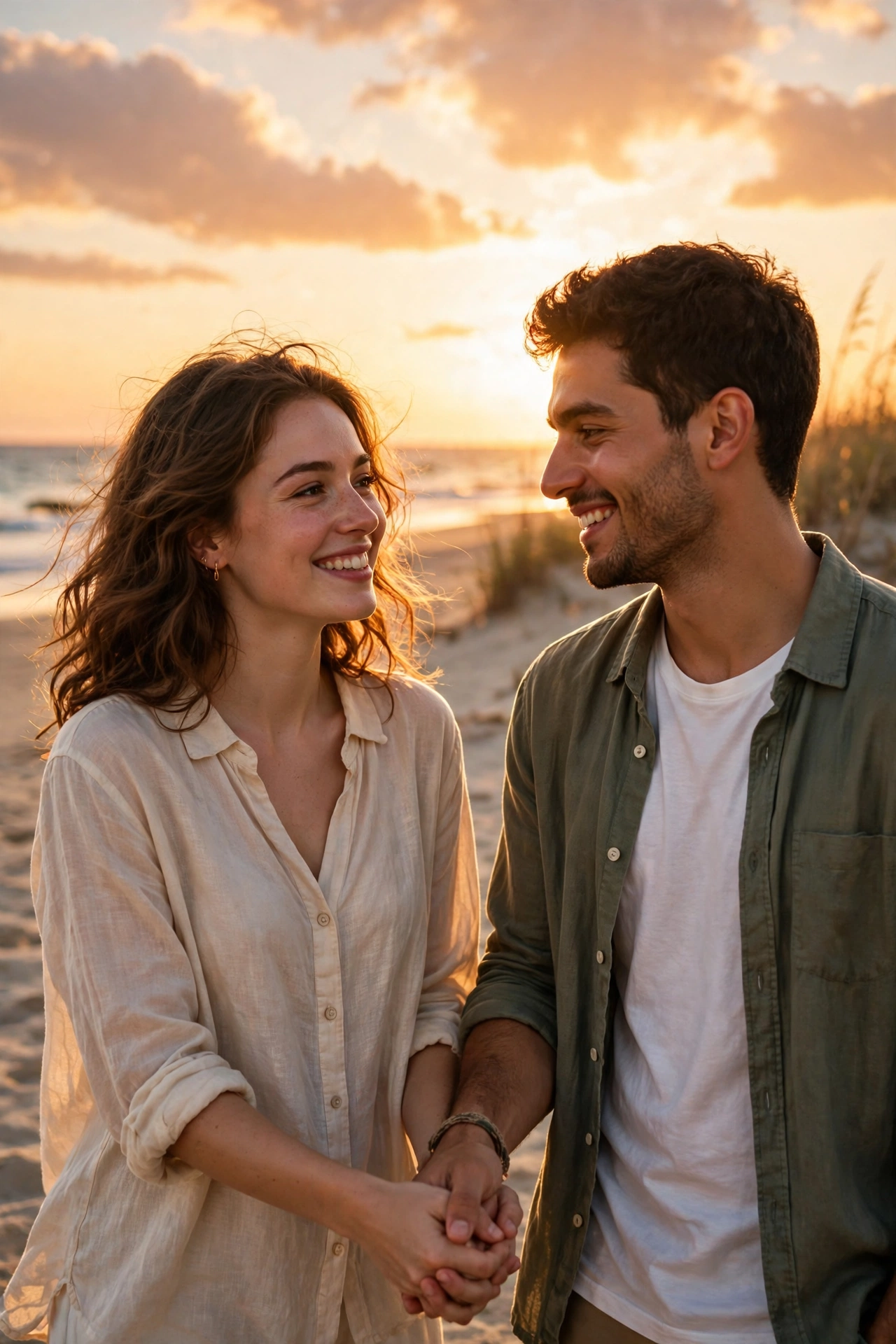
Couple Photo Prompts
Prompt 8 — Romantic Sunset Couple
“Edit our photo into a romantic sunset portrait. Keep both faces 100% same. We are standing on a beach at golden hour holding hands, warm sky behind us, soft cinematic light, premium couple photography.”
Prompt 9 — Traditional Couple Look
“Transform our photo into an elegant traditional couple portrait. Keep both faces 100% same. We are wearing matching festive outfits in maroon and gold, decorated hall with warm lights behind us, wedding photography style.”
Prompt 10 — Rain Romance Scene
“Edit our photo into a cinematic rain scene. Keep both faces 100% same. We are sharing one umbrella on a city street at night, neon reflections on wet ground, romantic movie-still photography.”
Professional and DP Prompts
Prompt 11 — LinkedIn Headshot
“Transform my photo into a professional LinkedIn headshot. Keep my face 100% same. Wearing a formal blazer, clean light-grey studio background, soft even lighting, sharp and confident, corporate photography.”
Prompt 12 — Clean WhatsApp DP
“Edit my photo into a clean stylish DP. Keep my face 100% same. Close portrait crop, soft blurred green garden background, natural daylight, fresh and bright, high quality portrait photography.”
Prompt 13 — Passport-Style Studio Photo
“Transform my photo into a neat studio portrait. Keep my face 100% same. Plain light background, formal shirt, even studio lighting, clear sharp face, official photo quality.”
Festival and Special Day Prompts
Prompt 14 — Eid Special Portrait
“Edit my photo into a festive Eid portrait. Keep my face 100% same. Wearing a fresh embroidered kurta, mosque courtyard softly blurred in the background, morning light, joyful calm expression, festive photography.”
Prompt 15 — Diwali Lights Look
“Transform my photo into a Diwali celebration portrait. Keep my face 100% same. Wearing a traditional outfit, holding a small diya lamp, warm string lights and decorations behind me, golden festive glow, premium photography.”
Quick Tips for Perfect Results
- One clear photo works better than three average ones — upload your best-lit selfie.
- Match the prompt to your photo. A smiling photo suits happy scenes; a serious photo suits attitude looks.
- Regenerate 2–3 times and keep the sharpest version.
- Add “ultra realistic, 4K, natural skin texture” to any prompt for cleaner output.
- For couples, upload a photo where both faces are clear and uncovered.
These prompts work because they follow the same structure professionals use — subject, outfit, scene, light, style — the fundamentals explained in our guide on how to become a prompt engineer. And if you are choosing between AI models for photo editing, our ChatGPT vs Claude vs Gemini comparison shows why Gemini’s image editing is the current favourite.
FAQ
It is a text instruction you paste into Google Gemini together with your photo. The prompt describes the outfit, scene, lighting, and style you want, and Gemini generates an edited version of your photo. Starting the prompt with “keep my face 100% same” protects your face from being changed.
Copy the prompt text from this page, open the Gemini app, upload your photo with the “+” button, paste the prompt into the message box, and send. Your edited photo appears in a few seconds, ready to download in full quality.
Yes. All 15 prompts in this collection work on the free plan. Free accounts have a daily image-generation limit, so if you hit it, come back the next day or generate your favourites first.
The usual causes are a blurry upload, a side-angle photo, or a prompt without the face-protection line. Use a clear front-facing photo in daylight, keep “keep my face 100% same” at the start of the prompt, and regenerate if the first result is off.
Yes — use the couple prompts above and write “keep both faces 100% same”. Upload a photo where both faces are clearly visible and well lit. Gemini handles two faces well when neither is covered or turned away.
Follow this order: face line first, then the outfit, the place, the lighting, and the photo style at the end. For example: “Keep my face 100% same. I am wearing [outfit], standing at [place], [lighting], ultra realistic 4K DSLR photography.” Change the brackets and you have a new prompt.

Hamad Arshad writes and edits AI Next Top from Rahim Yar Khan, Pakistan. He has worked in SEO and digital marketing for over 7 years and started this site to explain AI tools and news in plain language for non-technical readers. Every guide here is checked against the real tool before it is published.








Leave a Reply