
How to Use AI to Grow Photography Business
TL;DR — Figuring out how to use ai to grow photography business comes down to three things. Let AI handle the slow editing work, the repetitive marketing, and the back-and-forth admin that eats your evenings. Start with one tool, use it on real client work, and only add the next once the first is saving you real hours.
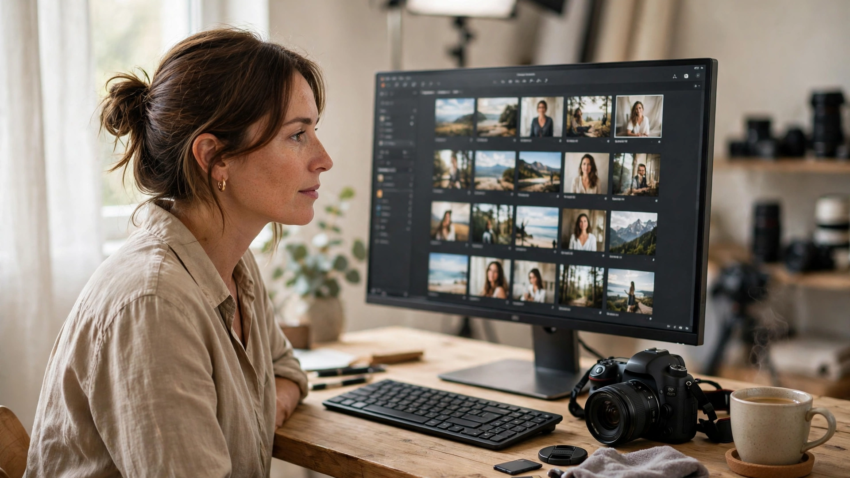
Most photographers I know didn’t get into this job to sit at a desk. You wanted to shoot. But the business became 20 percent shooting and 80 percent culling, editing, emailing, posting, and chasing invoices. That’s exactly where AI earns its keep. Learning how to use ai to grow photography business isn’t about replacing your eye or your style — it’s about handing off the repetitive stuff so you can shoot more and respond faster while your competitors are still editing last weekend’s wedding. You’ll find similar tools among free AI photo generators, but the ones below are built specifically for working photographers.
Where Does AI Actually Save a Photographer Time
Let’s be honest about the numbers. A single wedding can leave you with 3,000 to 5,000 images, and culling that by hand takes hours. A full edit can eat an entire day. Then there’s the caption you never wrote and the inquiry that sat unanswered for six hours.
AI tools attack each of those bottlenecks differently. Culling software picks the sharp, eyes-open frames in minutes. AI editors apply your style across a whole batch. Writing assistants draft your captions and emails. You’ll still review the output — but reviewing beats doing it all from scratch.
| Use case | AI tool type | Example tools | Time saved |
|---|---|---|---|
| Culling a shoot | AI culling software | Aftershoot | 2–4 hours per wedding or big session |
| Batch editing | AI photo editor that learns your style | Imagen AI, Luminar Neo | 3–6 hours per full gallery |
| Marketing content | AI writing and image tools | Chatbots, caption generators | 1–2 hours per week |
| Inquiries and bookings | AI assistants and automations | CRM automations, chat tools | 30–60 minutes per day |
| Admin and pricing | AI bookkeeping and pricing helpers | Accounting apps, spreadsheets | 1–2 hours per week |
How Can AI Speed Up Your Editing and Culling
This is where most photographers feel the difference first, and it’s not subtle.
Aftershoot tackles the culling problem. You import a shoot, and it groups duplicates, flags blinks and blurry frames, and surfaces the strongest shots. What used to be an evening of squinting at contact sheets becomes a quick review pass. You still make the final call — the software just clears the obvious junk out of your way first.
For editing, Imagen AI learns from your past edits. Feed it a few thousand of your finished images and it builds a profile of your style, then applies that look to new galleries — exposure, white balance, tones, the works. Photographers with a consistent style get the best results, because the tool has something clear to learn from.
Luminar Neo, from Skylum, takes a different angle. It’s a full editor with AI features for the fiddly jobs — sky replacement, portrait retouching, removing power lines, relighting a scene. Less about bulk automation, more about making problem images fixable in seconds instead of minutes.
One honest warning. Don’t hand AI a whole client gallery on day one and deliver whatever comes back. Run it alongside your normal workflow for two or three shoots, compare results, and tighten the settings. Once you trust it, the hours really start coming back.
How Does AI Help You Market a Photography Business
Here’s the uncomfortable truth about marketing as a photographer. The best shooter in town doesn’t always get the bookings — the most visible one does. And visibility takes content, which takes time you don’t have.
AI writing tools can draft your Instagram captions, blog posts, and Pinterest descriptions from a few bullet points about the shoot. They won’t sound exactly like you at first. Edit them. Add the detail only you know — the joke the groom made, the storm that rolled in ten minutes after the ceremony. That two-minute polish is what separates useful AI marketing from generic filler.
Batching helps, too. Sit down once a month and draft four weeks of captions in one sitting, then schedule them and forget about it. When you’re comparing options, look at roundups of the best AI tools rather than grabbing whatever app an ad pushes at you — the right fit depends on whether you mostly write, edit images, or both.
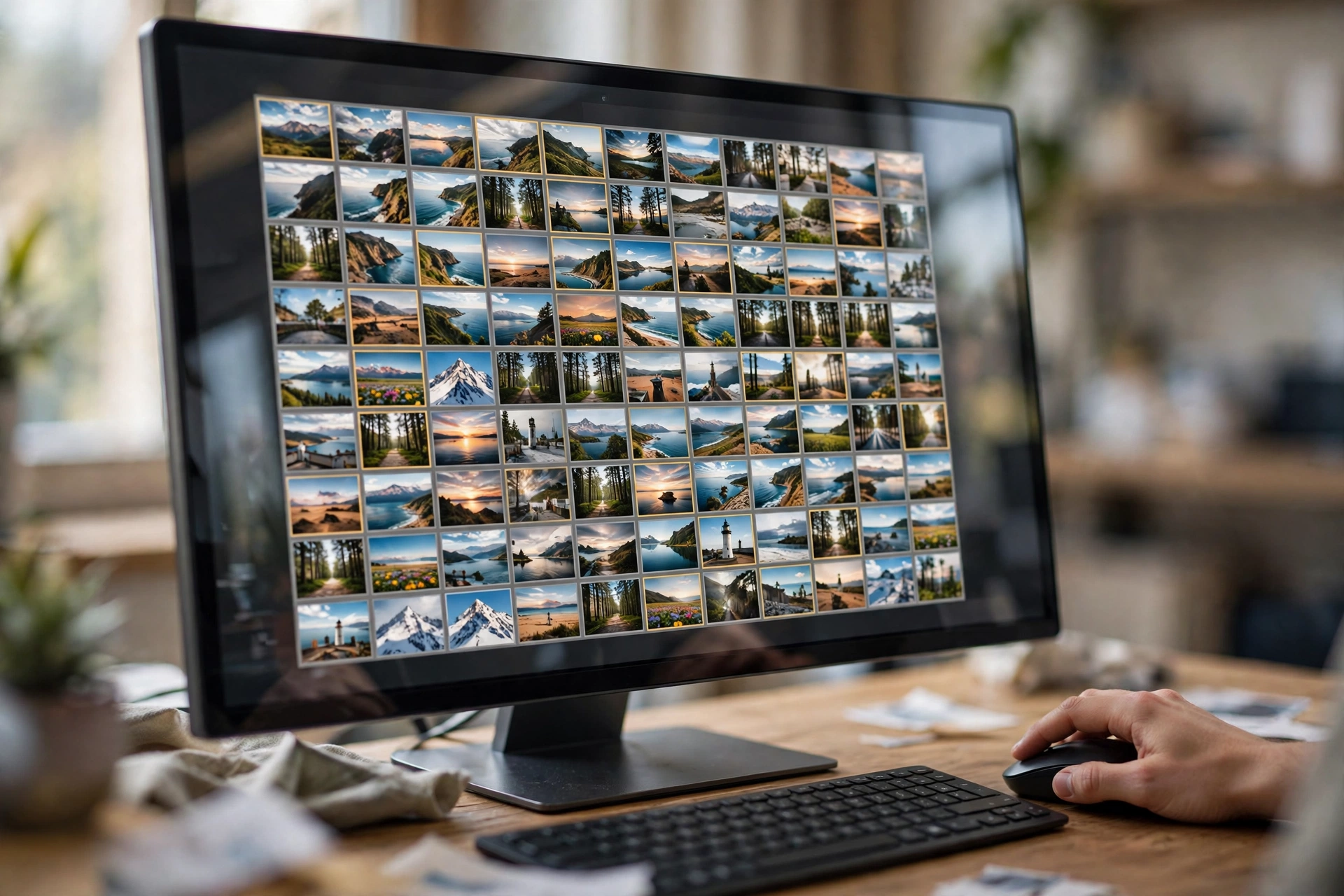
Your old work is also a goldmine. AI can repackage a two-year-old wedding shoot into a venue guide, a “what to wear” post, and a week of social content. The photos already exist. You’re just finally using them properly.
Can AI Handle Client Inquiries and Bookings for You
Speed wins bookings. Couples and clients often hire the photographer who replies first with a helpful answer. If an inquiry lands while you’re on a shoot and you reply six hours later, you’ve probably lost it.
This is where an AI assistant for productivity starts paying rent. Even simple setups help. An auto-reply that actually answers common questions (your starting price, whether you travel, how delivery works) keeps the conversation warm until you can respond personally. AI drafting tools can prepare a full reply from your notes in seconds — read it, tweak a line, send.
Take it a step further and you can connect your booking calendar, contact form, and email so inquiries get logged and followed up automatically. Some photographers are even experimenting with free AI agents that handle the whole follow-up sequence — nudging a couple who went quiet, sending the prep guide before a session, asking for a review after delivery.
Keep the human touch where it matters, though. Let AI handle reminders and first drafts. The consultation call and the “we’re nervous about being photographed” conversation — that’s you. That’s also why people pay your prices instead of hiring whoever is cheapest.
What About Pricing and the Business Admin Nobody Sees
Growth isn’t only about more bookings. It’s also about not leaking money.
AI tools inside accounting apps now categorize expenses, match receipts, and flag subscriptions you forgot you were paying for. Pricing is another quiet win. Some photographers use AI to analyze past bookings — which packages actually sell, which months are dead, what a converting inquiry looks like versus one that ghosts. You don’t need fancy software, either. Even a general AI chatbot, fed your booking spreadsheet, can spot patterns you’d never notice scrolling through rows.
Contracts and emails get faster too. First drafts of follow-ups, payment reminders, and delivery notes take seconds to generate and a minute to personalize. Small savings — but they compound across a season.
How Do You Start Using AI in Your Photography Business
Don’t try to automate everything this weekend. That’s how people end up with five subscriptions and no change in their workflow. Do this instead.
- Time yourself for one week. Note how long culling, editing, posting, and emailing actually take. Your biggest time sink is your first AI target.
- Pick one tool for that single job. If editing eats your life, start with an AI editor like Imagen AI or a culling tool like Aftershoot — not both.
- Run it alongside your normal process on two or three real shoots. Compare results honestly before trusting it with delivery.
- Set up one client-facing automation next — usually an inquiry auto-reply or follow-up sequence, since faster replies win work.
- Batch your marketing. Draft a month of captions and posts in one sitting, then schedule them.
- Review after a month. Count the hours saved. If a tool isn’t saving time, cancel it and try the next one.
That slow, one-tool-at-a-time approach is the whole secret of how to use ai to grow photography business without turning your studio into a tech support job. The photographers winning with AI aren’t using the most tools. They’re using two or three, deeply, on the tasks that used to steal their evenings.
Frequently Asked Questions
Less than most people expect. Many tools offer free trials, and the paid ones usually run on monthly subscriptions priced for solo businesses. Start with a trial, measure the hours it saves in a month, and compare that with what your time is worth. If it saves you an evening a week, it has usually paid for itself.
It shouldn’t, if you set it up properly. Tools like Imagen AI learn from your own past edits, so they copy your look rather than imposing a generic one. Train it with enough finished work and review the first few galleries closely. Your style stays yours — the tool just applies it faster.
For culling, exposure, color, and standard retouching, yes — these are the same jobs photographers have always done in editing software, just faster. Be careful with heavy manipulation that changes what a scene actually looked like, especially for documentary work. When in doubt, be transparent with clients about your editing process.
Start wherever your biggest bottleneck is. For most wedding and event photographers that’s culling or batch editing, so Aftershoot or Imagen AI is the usual first pick. Portrait photographers who spend hours retouching may get more from Luminar Neo. The order matters less than starting with just one.
Indirectly, yes. AI doesn’t book clients by itself, but it makes you faster at the things that do — replying to inquiries within minutes instead of hours, posting consistently so people find you, and following up with leads who would otherwise go cold. Those are two of the most reliable booking drivers a solo photographer has.
No. The current generation of photography AI tools is built for working photographers, not programmers. If you can import photos into your usual editor, you already have the skills for AI culling and editing. Inquiry automations take a little more patience, but most platforms walk you through it with templates and no code.

Hamad Arshad
SEO Specialist | SEO Manager | GEO Strategist
7+ Years of Experience in SEO, GEO, AEO, AI SEO, Local SEO, Technical SEO, PPC, Google Ads & Meta Ads.







Leave a Reply