
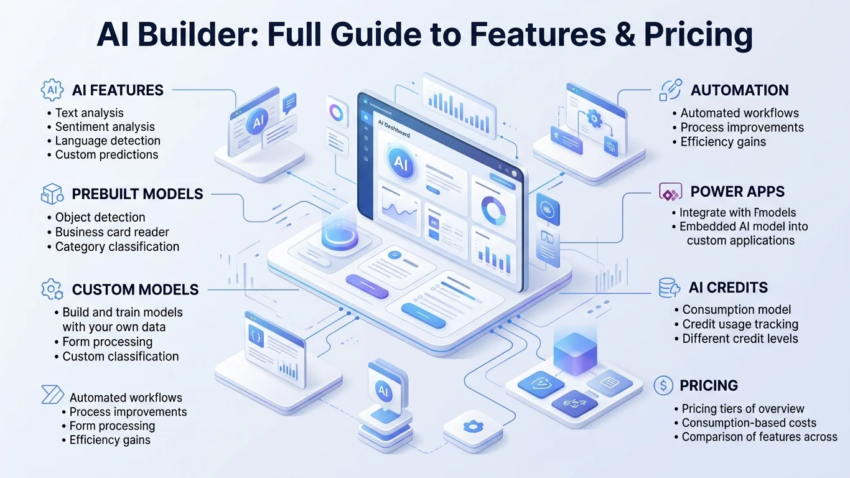
Hostinger AI Builder: The Complete Guide to Features, Pricing, and Whether It’s Worth It
Building a website used to mean picking a template, staring at a blank page, and slowly filling in text and images over a weekend. Hostinger AI Builder tries to skip most of that by generating a working, multi-page site from a short description of your business. If you’ve come across it while comparing cheap hosting plans or AI website tools and want a straight answer on what it actually does, what it costs, and where it falls short, this guide covers all of that in one place.
Quick Answer
Hostinger AI Builder is a paid website-building tool bundled into Hostinger’s hosting plans that generates a complete, multi-page website from a short business description, then lets you edit it in a drag-and-drop visual editor. It includes AI writing, AI image generation, an AI logo maker, and SEO tools, with hosting, a free domain, and SSL included on longer-term plans. It’s aimed at beginners, freelancers, and small businesses who want a usable site fast without hiring a designer or developer.
What Is Hostinger AI Builder?
Hostinger AI Builder is Hostinger’s website-creation tool, built into its hosting plans rather than sold as a separate standalone product. Instead of starting from a blank template and manually adding sections one at a time, you describe your business — the industry, what you offer, who your audience is, and any style preferences — and the AI generates a complete site structure around that description, including page layout, written content, and a matching design scheme.
It sits alongside Hostinger’s more traditional website builder and its WordPress hosting, giving users three different starting points depending on how much control they want. The AI Builder is aimed squarely at people who want the fastest possible path from idea to live website, without needing to make dozens of design decisions themselves.
How the AI Site Generator Actually Works
The process starts with a short business description entered directly in the Hostinger dashboard. From there, the AI generates a multi-page website — typically including a homepage, an about page, a services or products page, and a contact page — with placeholder content already written to match the business type, a color scheme and layout applied automatically, and relevant images selected or generated. The result isn’t a blank template; it’s a working draft you’re expected to review and adjust rather than publish as-is. Once generated, the site opens in a standard visual editor where you can drag elements, swap images, and rewrite any of the AI-generated text.
Core AI Tools Inside Hostinger’s Builder
Beyond the initial site generation, Hostinger bundles several individual AI tools into the editor that you can use at any point while building or updating the site.
AI Writer for Page Content
The AI Writer generates text in a chosen length, style, and tone, which you paste directly into a text element on the page. This is useful for filling out a services page or an about section without starting from a blank cursor, though the output generally benefits from a manual edit pass to sound like the specific business rather than a generic version of it.
AI Image Generator
The image generator creates visuals from a text description and adds them directly to the site, which is a genuine time-saver for businesses that don’t have professional photography and don’t want to rely purely on stock images. As with any AI-generated imagery, it’s worth reviewing generated images for anything that looks obviously synthetic before publishing, particularly for pages meant to build trust, like an about page or a team section.
AI Page and Section Generator
The AI Page Generator can create standard pages — About Us, Contact, Privacy Policy — based on a short description, which is particularly useful for the legal and boilerplate pages that are easy to forget but expected on a professional site. The AI Section Generator works at a smaller scale: if you’re editing a page and want to add something you forgot, like a testimonials block or a pricing table, you describe it and the tool generates that section to drop into the existing layout.
AI Logo Maker and Heatmap Tool
A built-in AI logo maker rounds out the branding side, useful for businesses that haven’t commissioned a logo yet. Separately, an AI heatmap tool shows where visitors are clicking and scrolling on the published site, which is a genuinely useful addition — most budget builders in this price range don’t include any conversion-optimization tooling at all, so having it built in rather than sold as a separate add-on is a meaningful difference.
AI SEO Tools
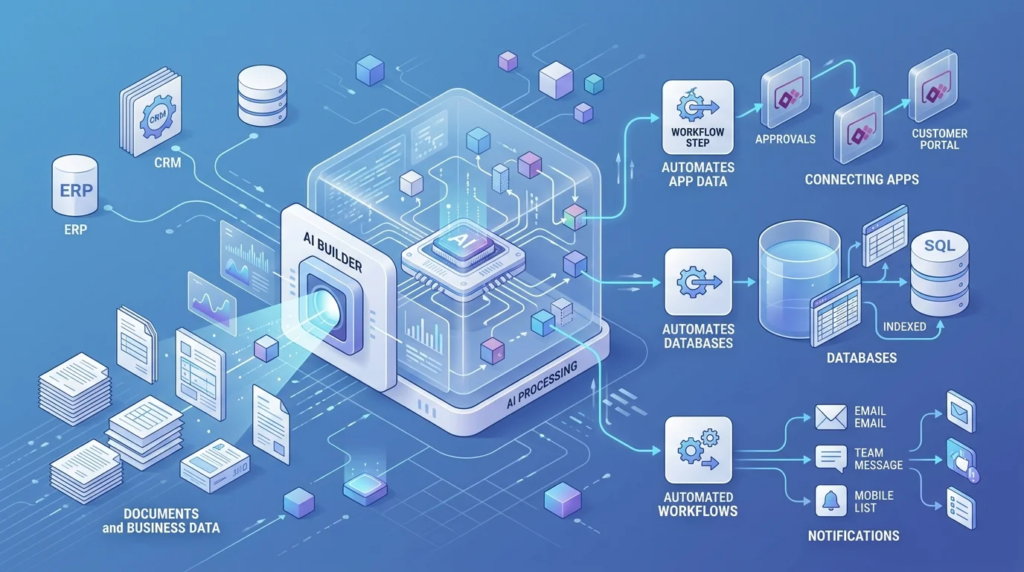
Hostinger also folds basic SEO assistance into the builder — prompts to fill in meta titles and descriptions, suggestions for page structure, and guidance on the kind of on-page basics that are easy to skip when you’re moving fast through an AI-generated draft. It won’t replace a dedicated SEO strategy for a competitive niche, but for a small local business or a first-time freelancer site, having those fields flagged automatically catches a category of mistake that otherwise tends to get discovered months later when nothing is showing up in search results.
What Kind of Websites Work Best With It
The AI generation step is strongest with businesses that fit a recognizable pattern — a local service business, a small consultancy, a portfolio, a restaurant, a simple product catalog. These have enough structural convention (services page, about page, contact page, maybe a menu or gallery) that the AI has a clear template to work from, and the generated draft tends to need lighter editing.
Sites with more unusual structures — a multi-step application process, a membership area with gated content, a booking system tied to complex scheduling rules — stretch past what the initial generation is built for. That doesn’t rule Hostinger out for those cases, but it does mean more of the build happens manually in the editor rather than being handled by the AI step, which changes the value proposition somewhat. It’s worth going in with a realistic sense of which category your project falls into before assuming the AI will do most of the work.
How to Build a Website with Hostinger AI Builder, Step by Step
- Sign up for a Hostinger plan that includes the AI Builder (Premium or Business website builder plans).
- From the Hostinger dashboard, choose to create a new website with the AI Builder.
- Enter a short description of your business, including industry, what you offer, and your target audience.
- Let the AI generate the initial multi-page site, then review the structure, layout, and written content it produced.
- Open the visual editor to swap images, rewrite text, and adjust colors or fonts to better match your actual brand.
- Use the AI Writer, Image Generator, or Section Generator individually to fill in anything the initial generation missed.
- Connect your domain (or use the free domain included with an annual plan) and publish the site.
The whole flow, from entering a description to having a live, editable site, typically takes well under an hour for a simple business site — the AI generation step itself only takes a minute or two, with most of the remaining time going into reviewing and personalizing the output.
Hostinger AI Builder Pricing Explained
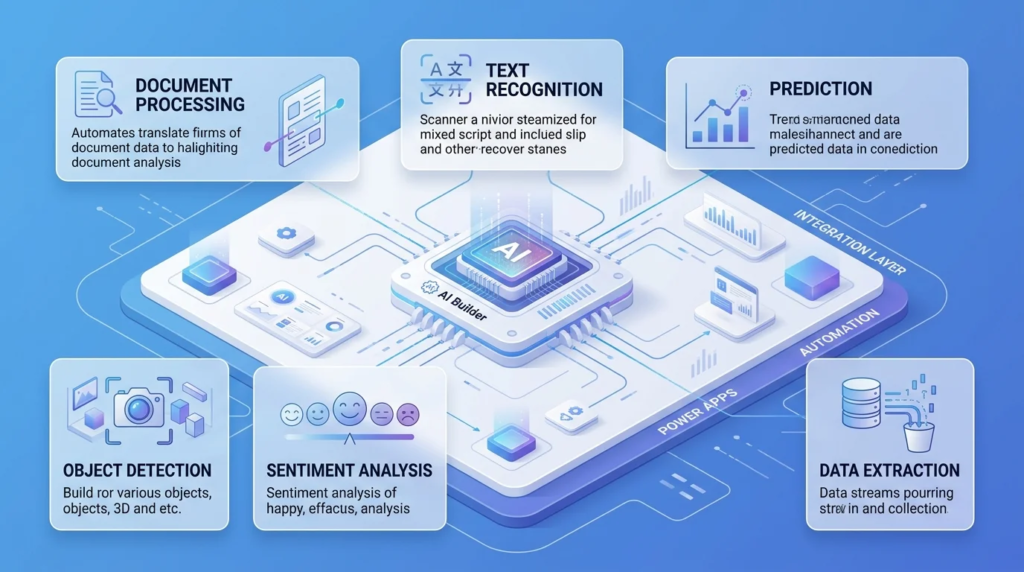
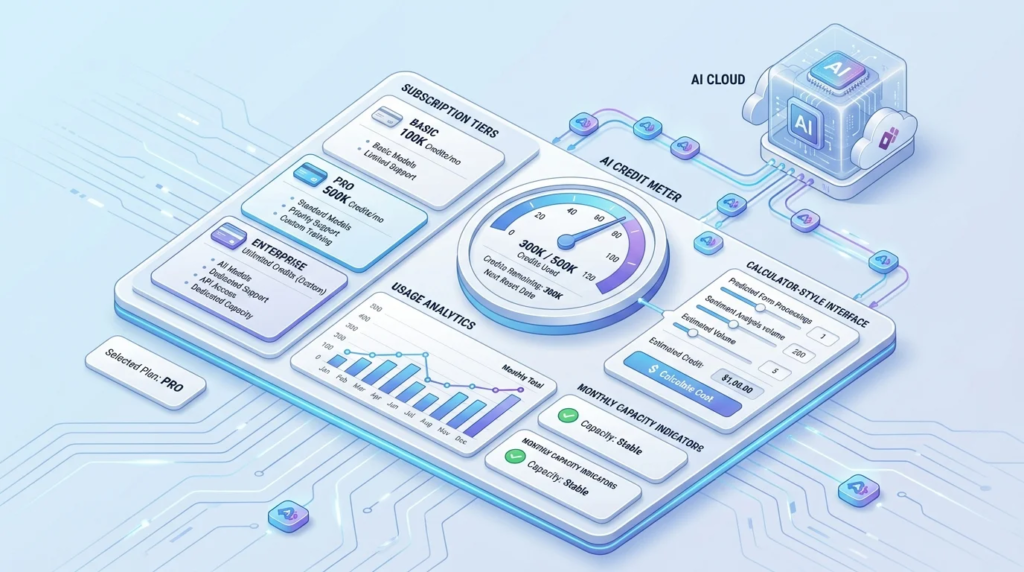
Hostinger AI Builder is not free — it’s included with paid Premium and Business website-builder plans, both of which also bundle hosting, a free domain for the first year, and an SSL certificate. Pricing is structured around term length: you can pay monthly or commit to 12, 24, or 48 months, with longer terms lowering the advertised monthly rate but requiring the full amount upfront. Advertised intro rates for the lowest tier have been quoted anywhere from roughly $2 to $4 per month across different sources and promotional periods, which is a useful signal in itself: the headline price varies by term length, region, and current promotion, so it’s worth treating any specific figure as a starting point rather than a fixed number and checking Hostinger’s pricing page directly before buying.
The detail that matters more than the intro price is the renewal rate. Like most budget hosting providers, Hostinger’s discounted rate applies only to the initial term; renewal pricing is meaningfully higher, which is a common pattern across the budget website-builder category rather than something unique to Hostinger. If you’re building a site you intend to keep long-term, it’s worth checking the renewal price for your chosen term before committing, not just the introductory number shown at checkout. The Business plan, which unlocks ecommerce features including a Printful print-on-demand integration, costs more than the content-only Premium plan — if there’s any chance you’ll want to sell products later, it’s generally cheaper to start on the Business plan than to upgrade afterward.
It’s also worth factoring in what’s not included in the headline price. A custom domain is typically free for the first year on annual-or-longer plans, but renews at a standard registration cost afterward, separate from the hosting renewal. Email hosting, if you want an address on your own domain rather than a free email provider, is sometimes bundled at the lower tiers and sometimes sold as an add-on, so it’s worth checking whether professional email is included before assuming it comes with the plan you’ve picked. None of this makes Hostinger unusually expensive compared to competitors — most budget builders structure pricing the same way — but it’s the kind of detail that’s easy to miss when comparing only the advertised monthly figure.
Hostinger AI Builder vs Wix ADI vs Squarespace
Hostinger AI Builder is most often compared against Wix’s AI Design Intelligence (ADI) and, less directly, against Squarespace, since all three are aimed at non-technical users who want a fast route to a finished site.
| Feature | Hostinger AI Builder | Wix ADI | Squarespace |
| Starting price | Among the lowest in the category | Free tier, paid plans mid-range | Higher, no ongoing free tier |
| AI site generation from description | Yes | Yes | Limited AI generation |
| Built-in AI writer/images | Yes | Yes | Limited |
| Design polish out of the box | Good, functional | Good | Generally strongest |
| Ecommerce depth | Basic to moderate | Moderate | Strong |
| Best for | Budget-conscious beginners and small businesses | Beginners wanting more design flexibility | Design-focused brands willing to pay more |
In practice, Hostinger tends to win on raw price-to-feature ratio — bundling hosting, AI tools, and a heatmap tool at a lower cost than either competitor typically charges for the equivalent. Squarespace generally wins on visual polish and template refinement for design-conscious brands willing to pay more, while Wix ADI sits somewhere in between, offering broader customization flexibility once you move past the initial AI-generated draft.
Strengths and Limitations to Know Before You Buy
Where it genuinely delivers
- A fast path from idea to a live, reasonably polished website, especially for simple business or portfolio sites.
- An unusually complete AI toolkit — writing, images, logo, SEO, and heatmap — bundled at a price point competitors rarely match.
- Hosting performance built on LiteSpeed servers, which generally holds up well for the low- to moderate-traffic sites this tool is aimed at.
- A genuinely fast learning curve — someone with no prior website-building experience can typically get comfortable with the editor within a single session.
Where it falls short
- Server resources are limited at this price tier, so sites expecting significant traffic growth may need to move to a higher hosting tier sooner than expected.
- Ecommerce functionality is usable but not as deep as dedicated ecommerce platforms — fine for a small product catalog, limiting for a large one.
- AI-generated text and images are a starting draft, not finished copy — expect to spend real editing time making the output sound and look like your specific business.
- Design customization, while capable, doesn’t go as deep as a code-level platform — businesses with very specific brand guidelines may find the visual editor’s flexibility hits a ceiling.
What Happens After You Publish
Getting the site live is really only the first stage. Hostinger’s dashboard includes basic analytics alongside the AI heatmap, giving a rough sense of traffic and where visitors interact on the page, but it’s worth setting expectations correctly: this is lightweight, built-in reporting rather than a substitute for a dedicated analytics platform if the site starts generating meaningful traffic or revenue.
Ongoing maintenance is minimal by design — updates to the underlying platform are handled by Hostinger rather than requiring manual plugin or core updates, which is one of the genuine advantages of a hosted AI builder over a self-managed WordPress install. The trade-off is less control: you’re working within Hostinger’s editor and feature set rather than an open ecosystem of themes and plugins, so if a specific piece of functionality isn’t offered natively, there’s generally no equivalent to installing a plugin to add it.
A typical follow-up task after launch is revisiting the AI-generated copy every few months, particularly on pages like services or pricing that tend to go stale as a business evolves — the AI Writer can be used again at that point to redraft specific sections rather than rebuilding a page from scratch.
Migrating an Existing Site Into Hostinger AI Builder
A question that comes up often is whether an existing website — built on Wix, Squarespace, or an old WordPress install — can be brought into Hostinger AI Builder directly. The honest answer is: not automatically. The AI generation process is built to start from a description, not to import and restructure an existing site, so moving over generally means using the old site as a content reference while rebuilding the pages fresh inside Hostinger’s editor. For a small site with a handful of pages, this is a manageable afternoon of copy-and-paste work rather than a major project; for a larger site with dozens of pages, it’s worth weighing that manual effort against simply keeping the existing platform.
Domain migration is more straightforward. If you already own a domain through another registrar, it can typically be pointed at the new Hostinger site by updating DNS records, and Hostinger’s support documentation walks through that process for the most common registrars. This is usually the least painful part of a switch — the more time-consuming part is almost always rebuilding and proofreading content, not the technical domain transfer.
Practical Ways People Use Hostinger AI Builder
- A freelancer generating a simple portfolio site with services and a contact page in under an hour, then spending the rest of an afternoon swapping in real project photos.
- A small local business using the AI Page Generator to quickly produce a privacy policy and terms page that would otherwise be easy to forget before launch.
- A solopreneur using the Business plan’s Printful integration to launch a small print-on-demand product line without building a separate storefront from scratch.
- A new business owner using the AI heatmap after launch to see which sections of the homepage visitors actually scroll to, then reordering content based on that.
=Troubleshooting Common Issues
The AI-generated site doesn’t match the business description well
This usually happens when the initial description is too short or too generic. A description like “a coffee shop” gives the AI far less to work with than one that mentions the specific vibe, location type, and what makes the business distinct — specialty drinks, a particular neighborhood, a focus on pastries. Regenerating with a more detailed prompt typically produces a noticeably better starting draft than trying to fix a vague result purely through manual edits afterward.
Images look generic or slightly off
AI-generated imagery can sometimes produce results that look subtly artificial, particularly with hands, text within images, or group scenes. For pages where trust matters most — an about page, a team section — it’s often worth swapping in real photos where they’re available, and reserving AI-generated images for more decorative or abstract use, like background textures or illustrative graphics.
The site feels slow after adding several image-heavy sections
Given the limited resources on entry-level hosting tiers, image-heavy pages can start to feel sluggish faster than they would on a higher hosting plan. Compressing images before uploading, and avoiding stacking multiple large AI-generated images on a single page, generally keeps load times reasonable without needing to upgrade the hosting tier.
Common Mistakes New Users Make
- Publishing the AI-generated draft largely unedited, which tends to read as generic rather than specific to the business.
- Choosing the cheapest 48-month term without checking the renewal rate, then being surprised by the price at the end of the commitment.
- Starting on the Premium plan and adding products later, when starting on the Business plan from the outset is usually cheaper than upgrading mid-term.
- Assuming the AI-generated images are final rather than reviewing them for anything that looks obviously synthetic on trust-sensitive pages.
Hostinger AI Builder and SEO: What to Expect
Getting a site live quickly doesn’t automatically mean it ranks quickly, and it’s worth setting realistic expectations here. The built-in AI SEO tools handle the basics — meta titles, descriptions, clean URL structures — but they don’t replace the work of actually building topical authority through content, earning backlinks, or targeting keywords with real search demand. A site generated in an afternoon starts from the same position any new site does: little to no history, little to no authority, and a ranking timeline measured in months rather than days regardless of which builder produced it.
Where the builder does help is in avoiding the technical mistakes that quietly hurt SEO on hand-built sites — missing meta descriptions, unoptimized image file sizes, inconsistent heading structure. Catching those automatically removes a category of problem that often goes unnoticed on a first website. Beyond that baseline, ranking still depends on the same fundamentals as any other platform: relevant, well-written content, a reasonable site structure, and some level of ongoing effort rather than a one-time setup.
Who Should Use Hostinger AI Builder — and Who Shouldn’t
It’s a strong fit for beginners, freelancers, and small business owners who want a professional-looking site fast, without hiring a designer, and who are comfortable with a budget hosting tier. It’s also a reasonable pick for anyone starting a small ecommerce store who doesn’t need advanced storefront features on day one.
It’s a weaker fit for businesses expecting high or rapidly growing traffic, since the low-cost hosting tiers have limited resources; anyone needing deep ecommerce functionality like advanced inventory management or complex shipping rules; and brands that specifically want the strongest possible out-of-the-box visual polish, where a platform like Squarespace tends to have an edge.
Frequently Asked Questions
What is Hostinger AI Builder?
It’s Hostinger’s AI-powered website-creation tool, included with paid hosting plans, that generates a complete multi-page website from a short business description and lets you edit it in a visual editor afterward.
How much does Hostinger AI Builder cost?
It’s included with Hostinger’s Premium and Business website-builder plans, which are priced by term length; advertised intro rates for the lowest tier are commonly in the low single dollars per month, but the exact figure varies by promotion and term, so it’s worth checking Hostinger’s current pricing page directly.
Is Hostinger AI Builder free?
No. It’s bundled into a paid plan rather than offered as a free standalone tool, though the entry-level pricing is among the lowest in the website-builder category.
How does the AI actually build the website?
You enter a short description of your business, and the AI generates a multi-page site with layout, written content, and design already applied, which you then review and personalize in a drag-and-drop editor.
Is Hostinger AI Builder good for ecommerce?
It supports basic to moderate ecommerce needs, including a Printful integration for print-on-demand products, on the Business plan, but it isn’t as feature-rich as dedicated ecommerce platforms for larger or more complex stores.
Can I switch from the AI Builder to WordPress later?
Hostinger offers WordPress hosting as a separate product line, so you can move to a full WordPress setup, though it isn’t a direct one-click migration from an AI Builder site — it involves building a new WordPress site rather than converting the existing one.
How is Hostinger AI Builder different from Wix ADI?
Both generate an initial site from a description, but Hostinger tends to be priced lower and bundles hosting directly, while Wix ADI offers a free tier and generally more design customization once you move past the initial AI draft.
Does Hostinger AI Builder include a free domain?
Annual (and longer) plans typically include a free domain for the first year, along with SSL, though this depends on the specific plan and term chosen at checkout.
Can I edit the AI-generated website afterward?
Yes — the AI generation is a starting draft, and every element, from text to images to layout, can be edited afterward in the standard visual editor.
Is Hostinger AI Builder good for a high-traffic website?
It’s better suited to low- and moderate-traffic sites; the entry-level hosting resources are limited given the low price, so sites expecting significant traffic growth generally need to plan for an upgrade to a higher hosting tier.
Final Takeaway
Hostinger AI Builder earns its popularity by doing something genuinely useful at a low price: turning a short business description into a working, editable website in minutes, with a surprisingly complete AI toolkit bundled in rather than sold piecemeal. The trade-offs are the ones you’d expect from a budget hosting product — limited server resources, ecommerce features that cover the basics rather than the advanced end, and a renewal price that’s worth checking before you commit to a long-term plan. For beginners, freelancers, and small businesses who want a fast, low-cost path to a live website and don’t need enterprise-level scale, it’s a genuinely solid option; anyone expecting heavy traffic or deep ecommerce functionality will likely outgrow it sooner rather than later.

Hamad Arshad
SEO Specialist | SEO Manager | GEO Strategist
7+ Years of Experience in SEO, GEO, AEO, AI SEO, Local SEO, Technical SEO, PPC, Google Ads & Meta Ads.







Leave a Reply